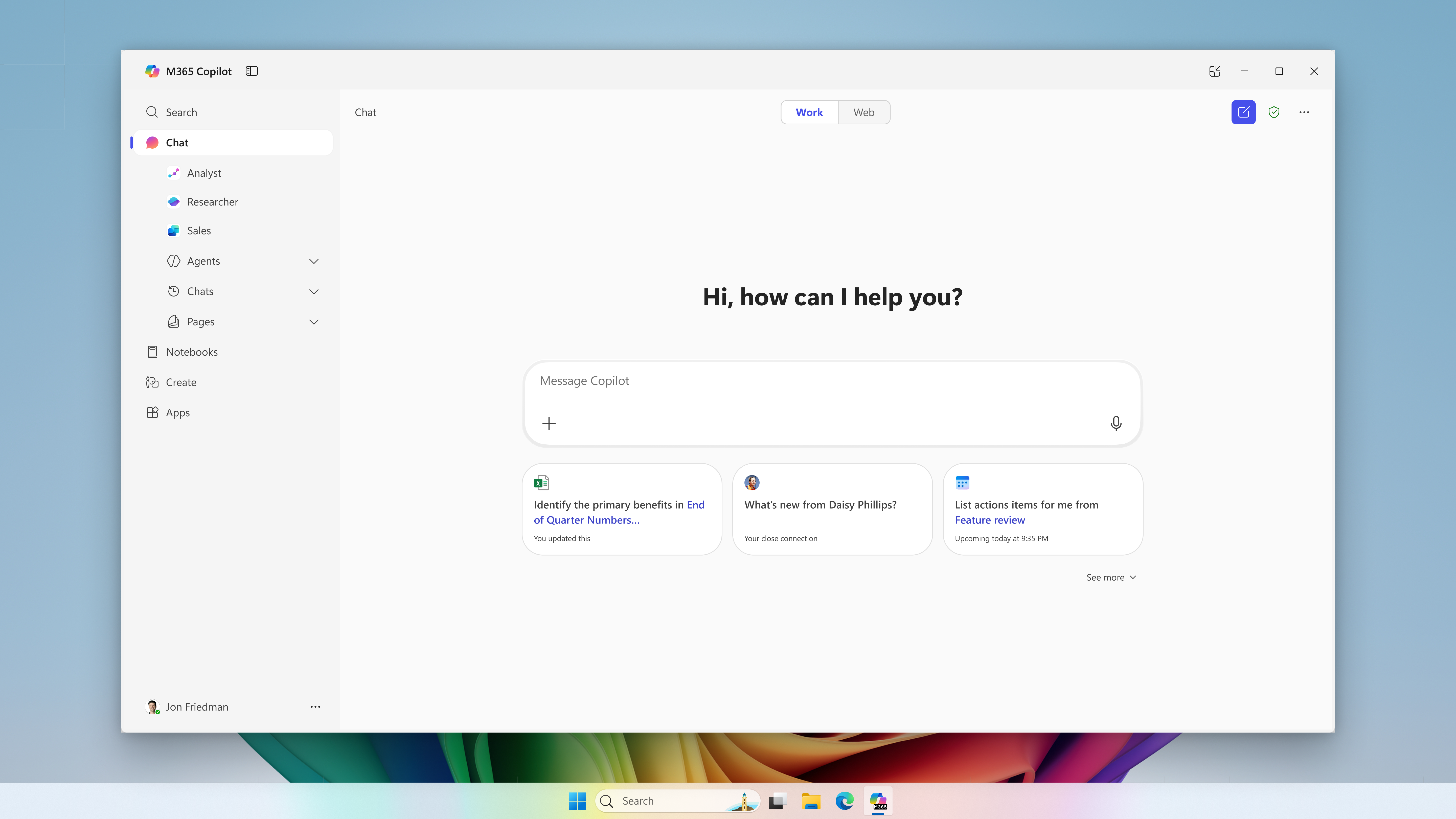
Microsoft postpones the change for new CSP purchases to January–March 2027. Certain eligible experiences may incur charges beyond license fees, subject to an adjustable monthly limit.
Microsoft · Announcement: · Editorial review
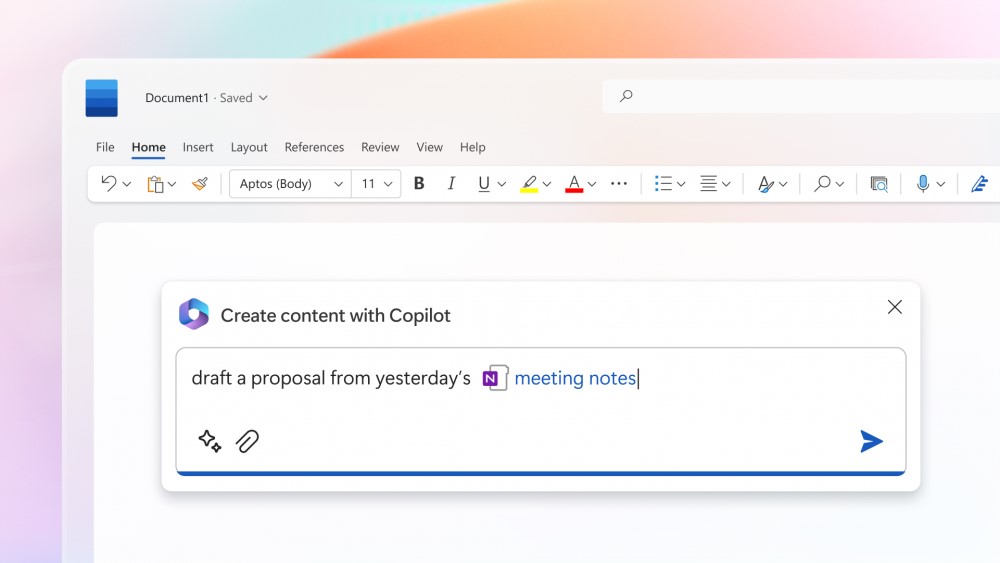
Microsoft 365 Copilot in Microsoft Word (archive). Image: Microsoft. Used with permission from Microsoft.
The change merged into BCApps creates per diem lines in each traveler's new expense report. Its inclusion in the repository does not yet establish deployment to customer environments.
GitHub Enterprise Cloud includes Copilot access for eligible enterprises, without an included credit allowance. Availability depends on the purchasing channel, and metered usage is billed from the first use.
The change replaces mark-based deletion and adds tools to inspect and clean up residual records. Integration into the repository does not yet confirm availability in a shipped Business Central update.
Microsoft has announced bundles of Business Central Essentials or Premium with Microsoft 365 Copilot Business from January 1, 2027. Published prices are USD 95 and USD 125 per user per month; accessible experiences will depend on licensed apps and services.
Microsoft brings equipment rental management into Supply Chain Management, connected with Finance. The documentation provides a basis for examining the process; the Copilot Cowork scenario is presented as a demonstration.
Microsoft extends usage limits to additional Copilot Chat features for users without a Microsoft 365 Copilot license in commercial organizations. The notifications call for support preparation and a review of license requests, without turning every limit into a recommendation to buy.
The API supports reading and updating policies across enterprises, organizations, teams, and agent apps. Using it requires identifying who controls each decision and reviewing changes.
The instructions guide compatible coding assistants. Evaluating them requires checking installation scope, project dependencies, and the changes they generate.
Apple opens app action integration through App Intents. For developers in Spain, Siri AI availability on Mac and Vision Pro sits alongside its absence on iPhone, iPad, and Apple Watch.
A change merged into BCApps allows an interim approver to be configured while an expense report is Released, before submission for approval. Deployment to customers is unconfirmed.
BCApps adds placeholders that let test inputs reuse identifiers generated during setup. The change has been merged into the repository; the consulted sources do not establish availability in a shipped release.
A change merged into BCApps lets extensions modify consolidation filters before the standard request. Its usefulness depends on the fields and operators supported by the API.
Two fixes merged into the repository affect posting group changes after acquisition and document numbering for cancellations. Their value for financial review depends on configuration and the installed version.
A correction merged into BCApps aims to preserve historical balances when foreign-currency payments are unapplied. Period-end tests need to check each reporting date as well as the overall balance.
A correction merged into BCApps preserves ErrorInfo in two interactive error handlers. Effective navigation and availability in customer environments remain unconfirmed.
Documentary review dated November 7, 2026: diff, code, test and Microsoft documentation checked. No execution in a Business Central environment. Integration into main confirmed; shipped build and tenant availability unconfirmed.
On October 23, 2026, Microsoft merged a Subscription Billing correction into the main branch of BCApps. Commit 15385de replaces Error(ErrorText) with Error(ErrorTextInfo) in two error handlers used during document creation. BCApps change.
The DisplayOrLogErrorFromBillingTemplate and DisplayOrLogErrorFromBillingLine procedures already populated the object now being used. It includes RecordId, SystemId and TableId; for the template, those identifiers are assigned if the record is found. The automated billing branches continue logging errors without raising the interactive error. Handler implementation.
The limit: navigation remains unproven
The commit description presents navigation as the intended outcome. However, these handlers configure neither PageNo nor AddNavigationAction. Preserving identifiers does not, by itself, demonstrate that a button capable of opening the record will appear. Reviewed implementation.
Microsoft documents AddNavigationAction as a mechanism for adding a Show-it action to the dialog. Error(ErrorInfo), meanwhile, displays the error and stops AL execution: using it does not automatically correct the data or update the billing proposal. Navigation action, Error(ErrorInfo) behavior.
What the added test covers
BillingTemplateErrorInfoContainsRecordIdOnUpdateRequired triggers an interactive failure with a line marked Update Required. It checks that GetLastErrorCode() is nonempty and that the message contains Update Required. Its assertions neither compare the RecordId nor open a page. The change adds no dedicated case for the billing-line handler. The file also declares TestPermissions = Disabled: this test does not establish behavior under an operational user's permissions. Nexo reviewed the code without running the test. Regression test.
Availability: integration and distribution are separate steps
The PR is marked as merged and assigned to the Version 30.0 milestone. That milestone records a planning target; it does not establish deployment to customers. PR #10477, Version 30.0 milestone.
As of November 7, 2026, the sources consulted do not identify a shipped build containing this correction or confirm its presence in a tenant. The public update history reviewed contains no entry for reference 646836 associated with the change; that absence does not establish that it has not been distributed through another route. Microsoft update history.
Nexo's interpretation
Preserving record identity may help diagnosis. Our interpretation is that functional acceptance should also examine what the person can do after the error: understand the cause, locate the record and continue investigating with their usual permissions. Any reduction in support time would require measurement; we do not present it as an outcome of this correction.
A synthetic example for functional review
Proposed checks, not executed: a test company uses contract SUS-010, template MENSUAL and line L-01. These identifiers are invented. Before evaluating the change, confirm that the build being used contains it. The table describes what to observe without predicting results.
Path
Proposed situation
What to check
Template, interactive execution
Mark a proposal line as Update Required.
Record the message and template context; check whether navigation exists and where it leads.
Line, interactive execution
Trigger a validation that reaches the billing-line handler.
Check which record is identified and assess this path separately.
Automated billing
Repeat a failure through the automated path.
Check the log entry and the absence of an interactive dialog in that handler.
Permissions
Repeat the case with the usual operational profile.
If navigation exists, check access to the destination and whether the user can actually correct the problem.
Created with AI assistance and reviewed by Nexo Community. Practical proposals and editorial interpretation are distinguished from documented facts.