Microsoft postpones the change for new CSP purchases to January–March 2027. Certain eligible experiences may incur charges beyond license fees, subject to an adjustable monthly limit.
Microsoft · Announcement: · Editorial review
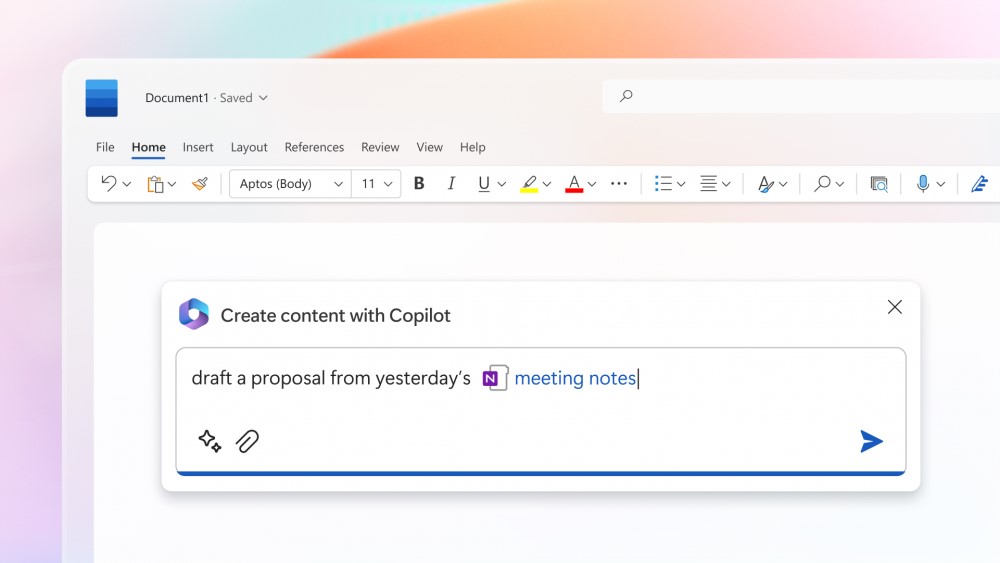
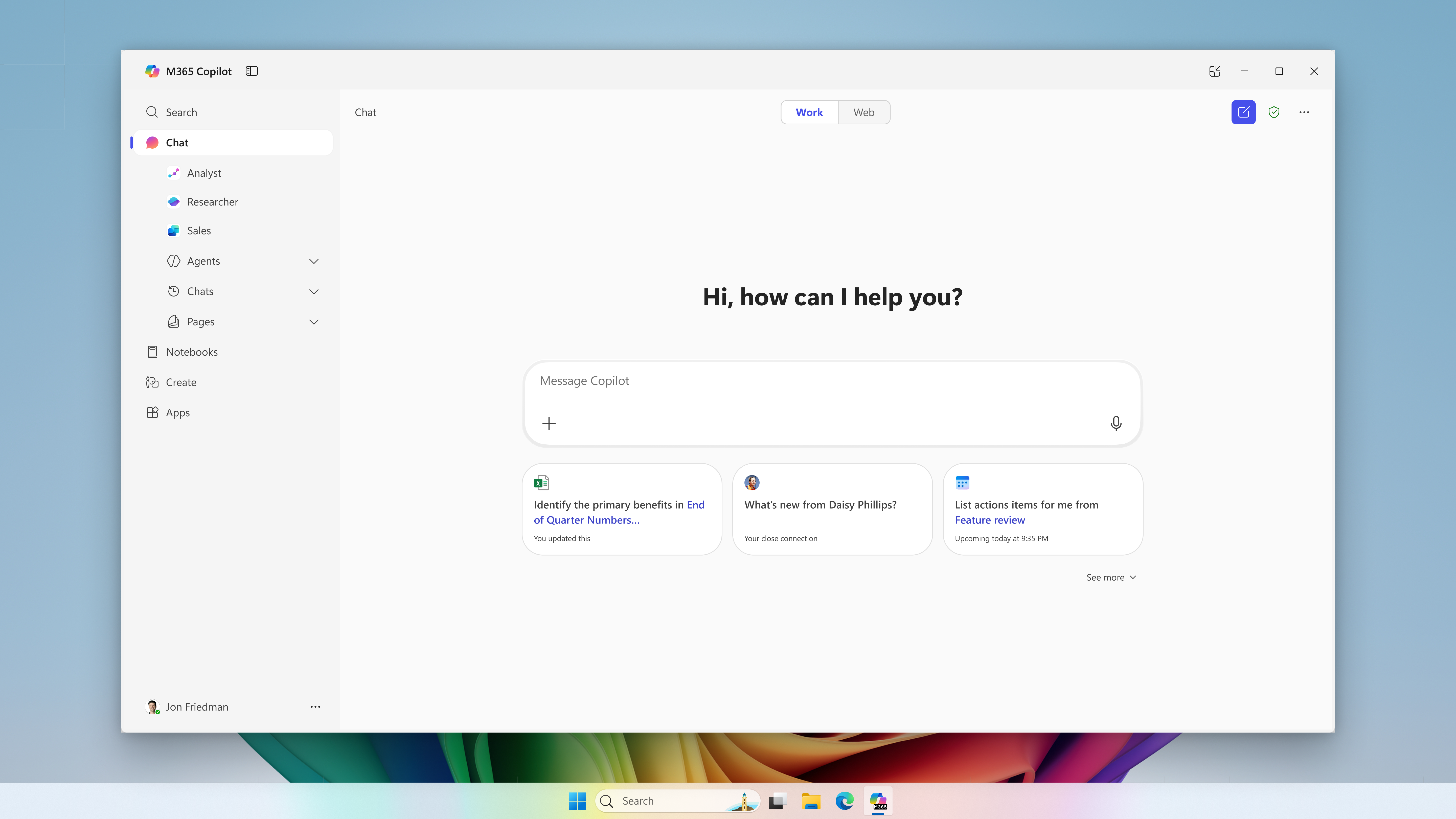
Microsoft 365 Copilot in Microsoft Word (archive). Image: Microsoft. Used with permission from Microsoft.
The change merged into BCApps creates per diem lines in each traveler's new expense report. Its inclusion in the repository does not yet establish deployment to customer environments.
GitHub Enterprise Cloud includes Copilot access for eligible enterprises, without an included credit allowance. Availability depends on the purchasing channel, and metered usage is billed from the first use.
The change replaces mark-based deletion and adds tools to inspect and clean up residual records. Integration into the repository does not yet confirm availability in a shipped Business Central update.
Microsoft has announced bundles of Business Central Essentials or Premium with Microsoft 365 Copilot Business from January 1, 2027. Published prices are USD 95 and USD 125 per user per month; accessible experiences will depend on licensed apps and services.
Microsoft brings equipment rental management into Supply Chain Management, connected with Finance. The documentation provides a basis for examining the process; the Copilot Cowork scenario is presented as a demonstration.
Microsoft extends usage limits to additional Copilot Chat features for users without a Microsoft 365 Copilot license in commercial organizations. The notifications call for support preparation and a review of license requests, without turning every limit into a recommendation to buy.
The API supports reading and updating policies across enterprises, organizations, teams, and agent apps. Using it requires identifying who controls each decision and reviewing changes.
The instructions guide compatible coding assistants. Evaluating them requires checking installation scope, project dependencies, and the changes they generate.
Apple opens app action integration through App Intents. For developers in Spain, Siri AI availability on Mac and Vision Pro sits alongside its absence on iPhone, iPad, and Apple Watch.
A change merged into BCApps allows an interim approver to be configured while an expense report is Released, before submission for approval. Deployment to customers is unconfirmed.
BCApps adds placeholders that let test inputs reuse identifiers generated during setup. The change has been merged into the repository; the consulted sources do not establish availability in a shipped release.
Checked on November 7, 2026 against the commit, pull request and associated source code. The scope described applies to that repository revision. The merge and GitHub checks do not establish execution of every scenario or availability in a commercial release.
On November 5, Microsoft merged runtime placeholders for AI and data-driven test inputs into the main branch of BCApps. The pull request records the date and resulting commit. PR #13013.
The mechanism connects a template to values that only become known during test setup. Code registers those values through `Test Input Data Tools`; calling `ValueAsText()` resolves the placeholders without changing the underlying JSON. To retrieve scalar text without substitutions, callers use `ElementValue().AsText()`. Test Input Json implementation.
A synthetic example: reusing a customer
Suppose setup creates a customer with the fictional number `C-1042`. The test could register that value under `NEXO-RUN42-CustomerNo` and retain the instruction “Find customer $Placeholder-NEXO-RUN42-CustomerNo$” in its template. Reading it through the resolution method would replace the placeholder with the registered number.
The same placeholder could appear in another scenario input. If the registration is overwritten, the next read uses the new value; an already read text variable does not change retroactively. The API takes the name without the placeholder prefix and delimiters. This example is illustrative and has not been executed by Nexo. Test authoring guide.
The rules that matter
Handling incomplete data deserves attention: a missing reference can remain in the text passed to the consumer. These rules can be checked in the placeholder implementation.
Situation
Code behavior
Placeholder name
Between 1 and 250 characters: ASCII letters, digits, hyphens or underscores. The name is case-insensitive.
Missing value
The reference remains literal; GetPlaceholder returns false and clears its output argument.
Registered empty value
Valid; replaces the placeholder with empty text.
Malformed named reference
Remains literal during resolution; validating a definition with GetPlaceholderName can raise an error.
Chained substitutions
Inserted text is not resolved again; registration rejects values containing recognized placeholders.
Company scope and conversions
Reads first look for the value in the specified company, then fall back to the shared registration associated with a blank company. Individual deletion targets the exact key; `DeleteAllPlaceholders()` removes registrations across every name and company. That global scope requires care when designing cleanup for a test suite. Test Input Data Tools contract.
Text substitution does not automatically extend to every accessor: integer, decimal and boolean accessors continue to use native JSON conversions. Test Input Json accessors.
Date formulas are calculated relative to `WorkDate()`. Datetime formula results are rounded to the nearest 100 milliseconds, potentially changing the second or even the day. Evaluation errors propagate; the code does not provide a tolerant conversion that guarantees a fallback value. Date resolution.
What is available and what has been validated
The public evidence establishes that the code was merged into `main`. The pull request page shows 172 checks passed at merge; that count alone does not demonstrate execution of the 63 regression methods described. Merge status.
The commit message states that the current source containing those 63 methods was neither compiled nor executed in the validation documented there. It also distinguishes historical builds of earlier revisions and notes that manifest versions were unchanged. The consulted sources do not identify a shipped release containing the capability. They therefore cannot support a promise that it is present in a particular Business Central environment. Commit validation details.
Nexo's view: separating the scenario from its data
The practical appeal is retaining a stable scenario description while the records created to run it change. This is an interpretation of the design, not a measurement of savings or evidence of better AI responses.
To assess adoption, we suggest checking unique names across concurrent runs, unresolved references, values shared between companies and registration cleanup. Fixing the work date in calendar-sensitive scenarios and verifying expected results after rounding would also be useful. These are criteria for an independent evaluation, not results obtained by Nexo.
Created with AI assistance and reviewed by Nexo Community. Practical proposals and editorial interpretation are distinguished from documented facts.