Microsoft postpones the change for new CSP purchases to January–March 2027. Certain eligible experiences may incur charges beyond license fees, subject to an adjustable monthly limit.
Microsoft · Announcement: · Editorial review
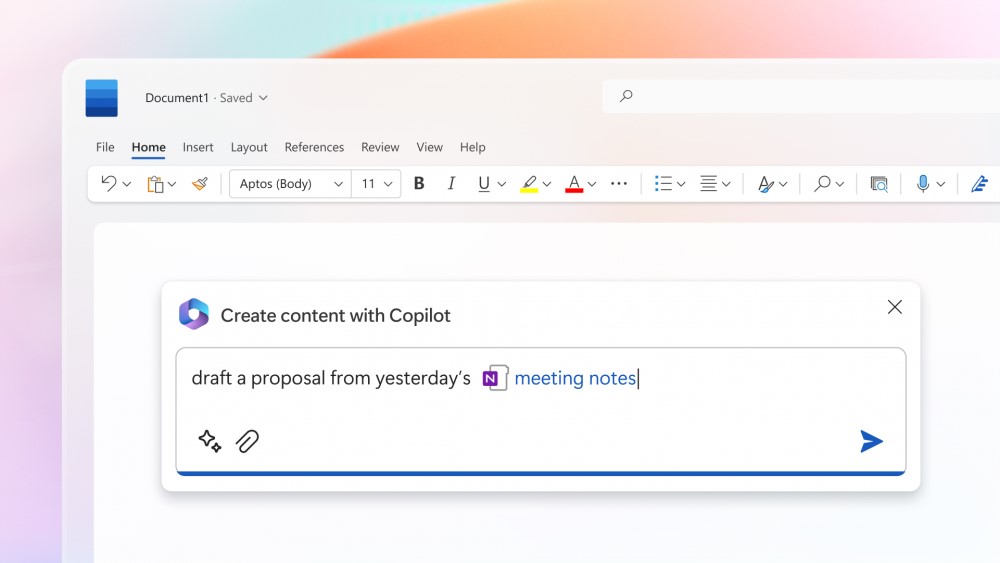
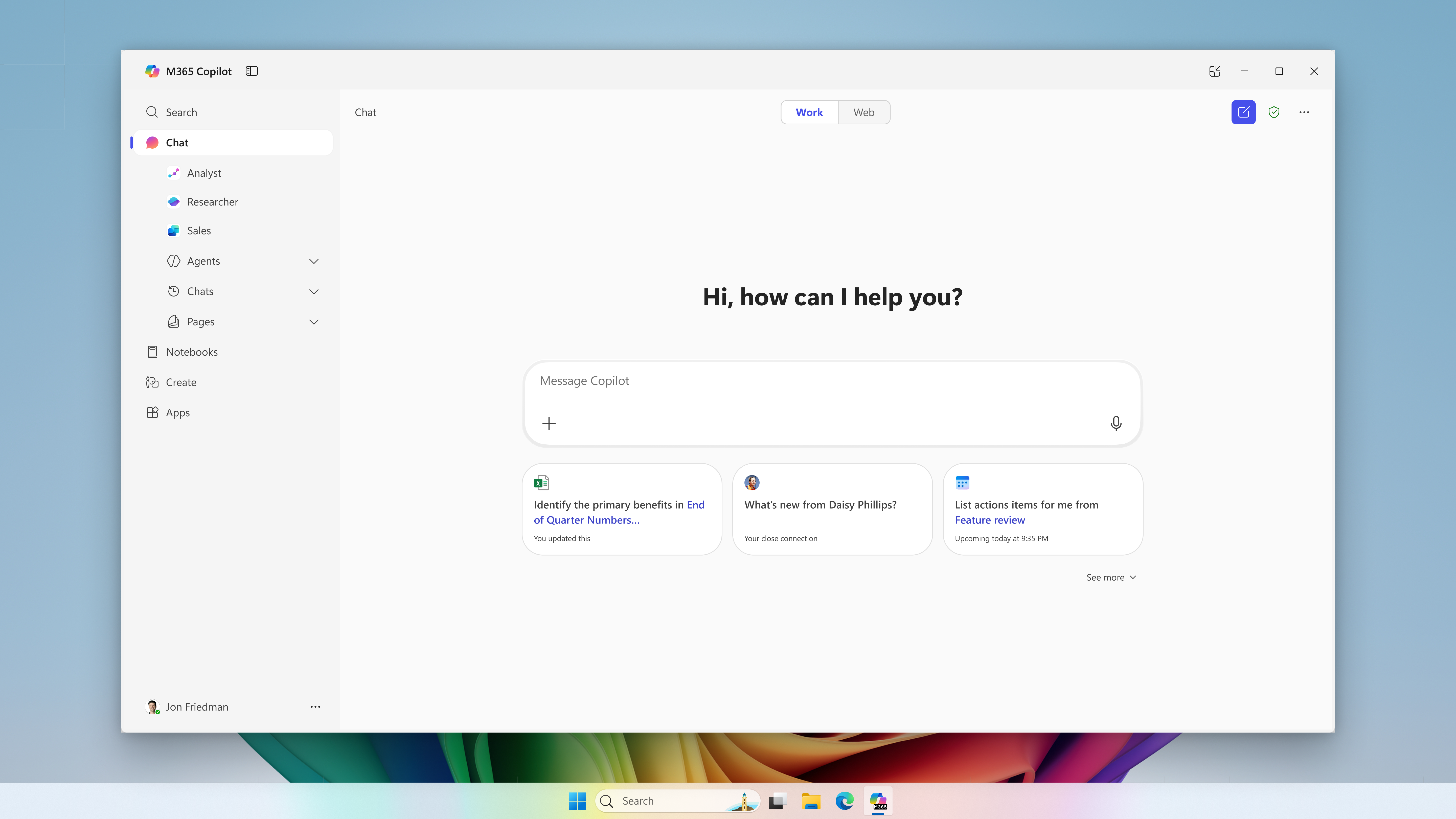
Microsoft 365 Copilot in Microsoft Word (archive). Image: Microsoft. Used with permission from Microsoft.
The change merged into BCApps creates per diem lines in each traveler's new expense report. Its inclusion in the repository does not yet establish deployment to customer environments.
GitHub Enterprise Cloud includes Copilot access for eligible enterprises, without an included credit allowance. Availability depends on the purchasing channel, and metered usage is billed from the first use.
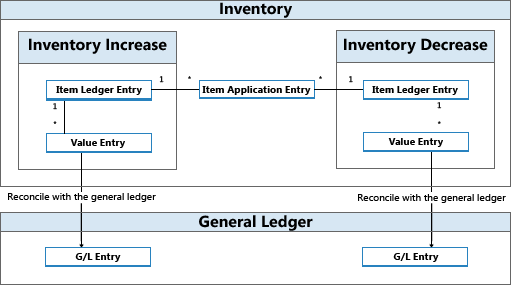
The change replaces mark-based deletion and adds tools to inspect and clean up residual records. Integration into the repository does not yet confirm availability in a shipped Business Central update.
Microsoft has announced bundles of Business Central Essentials or Premium with Microsoft 365 Copilot Business from January 1, 2027. Published prices are USD 95 and USD 125 per user per month; accessible experiences will depend on licensed apps and services.
Microsoft brings equipment rental management into Supply Chain Management, connected with Finance. The documentation provides a basis for examining the process; the Copilot Cowork scenario is presented as a demonstration.
Microsoft extends usage limits to additional Copilot Chat features for users without a Microsoft 365 Copilot license in commercial organizations. The notifications call for support preparation and a review of license requests, without turning every limit into a recommendation to buy.
The API supports reading and updating policies across enterprises, organizations, teams, and agent apps. Using it requires identifying who controls each decision and reviewing changes.
The October 19, 2026 announcement and public documentation were checked on November 7, 2026. This was a documentation review: no API requests were executed and no configurations or user access were tested.
On October 19, GitHub announced general availability of GET and PATCH operations for reading and updating Copilot model policies at four levels: enterprise, enterprise teams, agent apps, and organization. The announcement opens a path to automating the administration of those decisions. GitHub announcement.
For project managers, the practical question is how to turn a model decision into a traceable change: who requests it, who can execute it, and how its effect is checked. That is Nexo’s editorial interpretation.
Who decides and what remains in preview
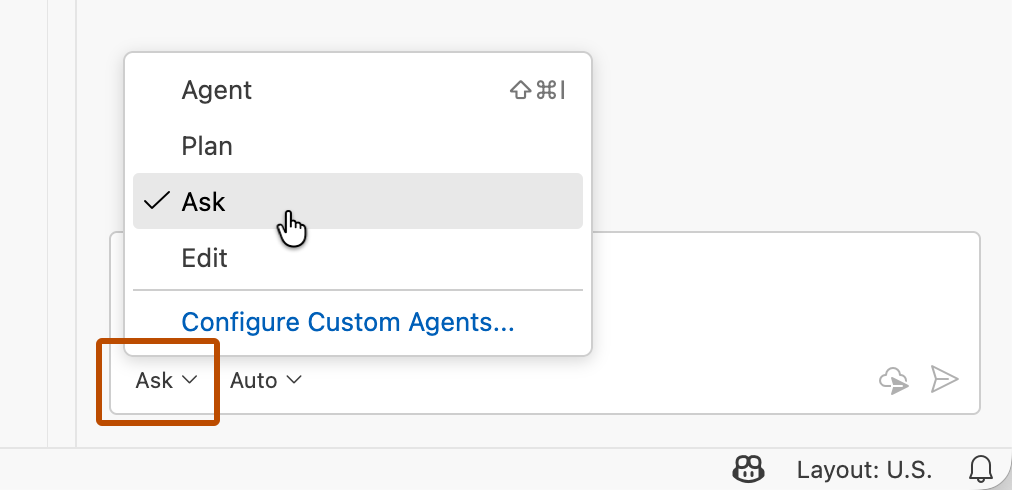
The guide covers Copilot Business and Enterprise. Enterprises can enable, block, or delegate models. The default mode delegates to organizations; teams mode remains an opt-in preview and deactivates organization controls. Teams cannot override enterprise enablement or blocking; their grants accumulate when someone belongs to multiple teams. In that mode, app policies are controlled at enterprise level. Managing model availability.
API permissions and limits
For enterprises, teams, and apps, GitHub specifies enterprise owners or the `read_enterprise_ai_controls` and `write_enterprise_ai_controls` permissions. OAuth and classic personal tokens require `read:enterprise` for reads and `admin:enterprise` for updates; GitHub App tokens require “Enterprise AI controls” read or write permissions. Returned team and app states do not alone determine individual access. Enterprise controls reference.
Organization GET and PATCH are available to owners when the organization is independent or its enterprise does not use teams mode. Classic/OAuth tokens require `admin:org` or `repo`; granular tokens require “Administration” write permission, even for GET. SAML/OAuth restrictions apply. Inherited policies are locked. Without an effective explicit policy, the configured enterprise default takes precedence over the organization default, for eligible models only. PATCH is atomic: if one change fails, none are saved. Organization reference.
Review before automating
Nexo suggests starting with an inventory that can be reviewed. Each change should record its scope, project need, owner, and previous state. Automation can then execute a decision already understood by those accountable for it.
A reasonable workflow would be:
Read the configuration and describe the requested change before modifying it.
Review who has authority over that scope and which people might be affected.
Agree on the change, retain the previous state, and define how to restore it.
After applying it, read the configuration again and check access with representative users, recording the outcome.
Fictional example: two teams, two needs
Suppose an enterprise wants to evaluate an additional model. The teams and decisions in this table are invented; they illustrate a review proposal, not an executed configuration or observed results.
Team
Proposal
Evidence to request
Maintenance
Retain the current selection while completing a release.
Rationale, owner, and a date to reconsider the decision.
Prototypes
Request an evaluation of the additional model for a defined task.
Objective, participants, evaluation criteria, and review date.
What this adds to project governance
In this example, the useful discussion starts with tasks and responsibilities. A request such as “we need another model” becomes assessable when it specifies the work involved, the duration, and the criteria for retaining access.
The editorial conclusion is that the API can become part of that review process. A successful technical request should be accompanied by a check of its intended effect and a record the team can understand.
Created with AI assistance and reviewed by Nexo Community. Practical proposals and editorial interpretation are distinguished from documented facts.