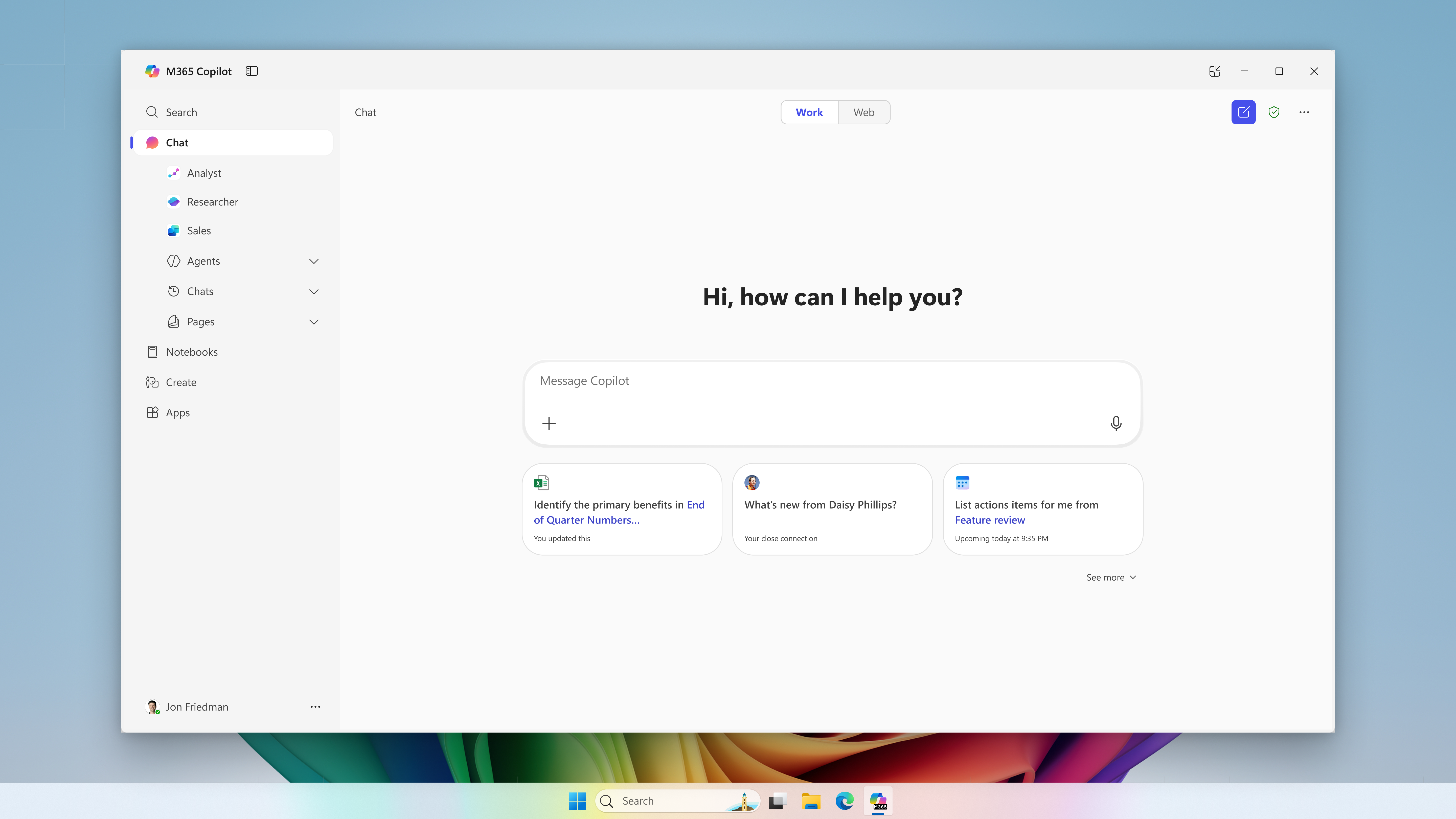
Microsoft extends usage limits to additional Copilot Chat features for users without a Microsoft 365 Copilot license in commercial organizations. The notifications call for support preparation and a review of license requests, without turning every limit into a recommendation to buy.
Microsoft postpones the change for new CSP purchases to January–March 2027. Certain eligible experiences may incur charges beyond license fees, subject to an adjustable monthly limit.
Microsoft · Announcement: · Editorial review
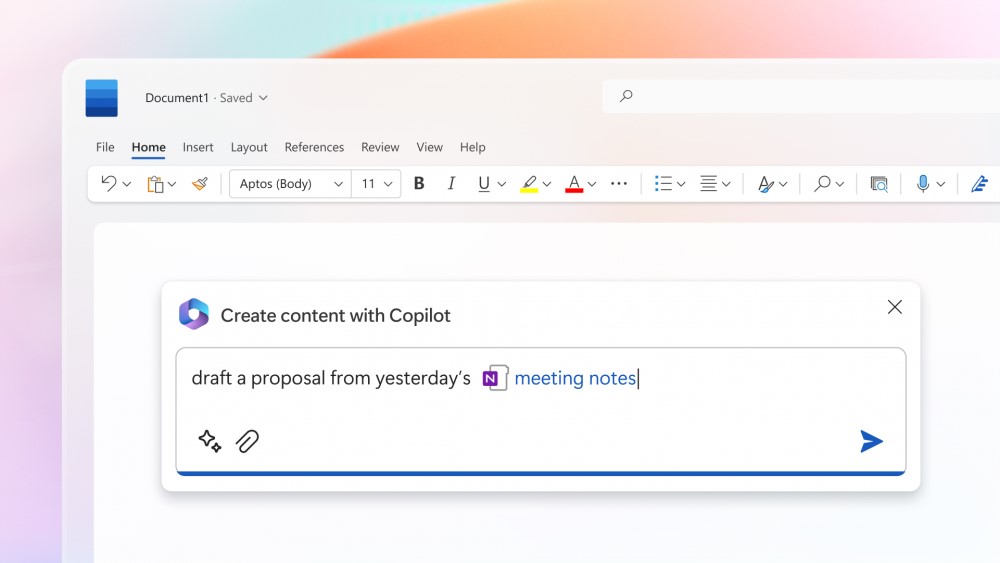
Microsoft 365 Copilot in Microsoft Word (archive). Image: Microsoft. Used with permission from Microsoft.
The change merged into BCApps creates per diem lines in each traveler's new expense report. Its inclusion in the repository does not yet establish deployment to customer environments.
Documentary verification completed on November 7, 2026, covering the commit, pull request, consulted code and tests, application manifest, and Microsoft Learn. Integration into main is confirmed; the manifest specifies 30.0.0.0. The consulted sources do not confirm a deployment date for this modification. Nexo has not run the application or its tests.
Microsoft merged the Expense Agent modification into the main branch of BCApps on November 6, 2026, through pull request #13721. The change connects travel approval with the preparation of per diem expenses.
The application manifest at that commit identifies Expense Agent as Preview and specifies 30.0.0.0 as the app version. That numbering describes the inspected code; it does not demonstrate that a build containing the change is installed in a particular environment.
The public travel request documentation still describes version 29: requests are managed in Business Central, rather than the Expense Agent web or mobile experience, and do not automatically generate an expense report. The documentation is marked as prerelease. That documented scope should be distinguished from development merged into main.
What the code adds
When Per Diem Included is enabled, the creation routine adds a per diem line to each new report. Existing reports are excluded from this addition. The line takes the travel location and actual start and end dates and times, then applies the rule once. This is visible in the Expense Report Header code.
Selection uses the first active Per Diem category, in key order, with a rule for the location that is effective when the trip starts. The lookup procedure skips inactive categories and rules with a later effective date. When several categories could match, their ordering deserves functional review.
Required configuration and exceptions
The commit message identifies two blockers when creating the per diem line: no applicable rule, or no Daily Rate condition in the matching rule. It describes the request remaining Released and attributes the behavior to both the approval flow and the API action. It also distinguishes a valid case: when calculation is set to None, a zero-amount line is created.
The change also excludes per diem expenses from receipt number and merchant name requirements, as shown in rule validation. The rule header prevents requiring a specific merchant for that category. These exceptions concern particular product controls.
Synthetic scenarios to prepare validation
This matrix is Nexo's proposal for use once a build containing the change is available. It combines cases described by the author with our own functional checks; it does not report executions or results from Nexo. The repository includes, among others, tests for creating per diem lines per traveler.
Fictional scenario
What to check
Three travelers with an effective rule
Review reports and lines for each person, including daily details.
One traveler already has a report
Compare the existing document and check that no per diem line is added retrospectively.
Multiple categories and effective dates
Record the selected category and repeat with an inactive category or a future rule.
The rule or its Daily Rate condition is missing
Check the error, request status, and absence of partial documents.
Calculation set to None
Distinguish a valid zero-amount line from a per diem line that was never created.
Per diem disabled on the request
Check that no per diem line is added.
Approval through the API
Compare documents, errors, and final status with the approval flow.
Nexo's interpretation and verification scope
Our interpretation is that this modification moves part of expense preparation to the point of travel approval. For functional teams, its value lies in reviewing categories, locations, effective dates, and rates together. Automation could reduce subsequent tasks, but the sources provide no measurement of time saved or errors reduced.
The author reports compiling and running tests on a local Business Central server. Nexo has checked documentation and code without reproducing those executions. Before incorporating the behavior into an operational procedure, teams will need to identify the installed build and validate it in that environment.
Created with AI assistance and reviewed by Nexo Community. Practical proposals and editorial interpretation are distinguished from documented facts.
GitHub Enterprise Cloud includes Copilot access for eligible enterprises, without an included credit allowance. Availability depends on the purchasing channel, and metered usage is billed from the first use.