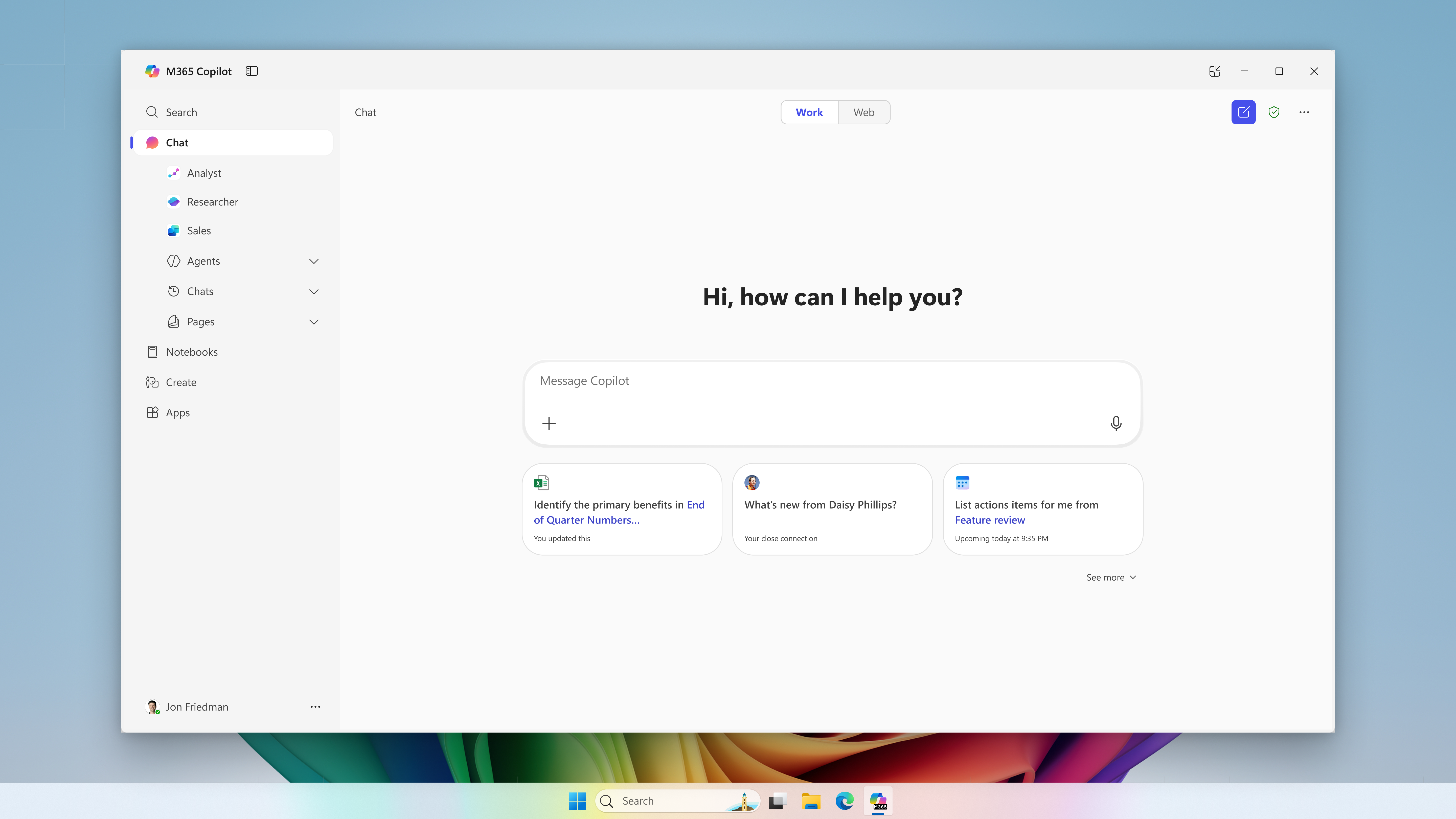
Microsoft postpones the change for new CSP purchases to January–March 2027. Certain eligible experiences may incur charges beyond license fees, subject to an adjustable monthly limit.
Microsoft · Announcement: · Editorial review
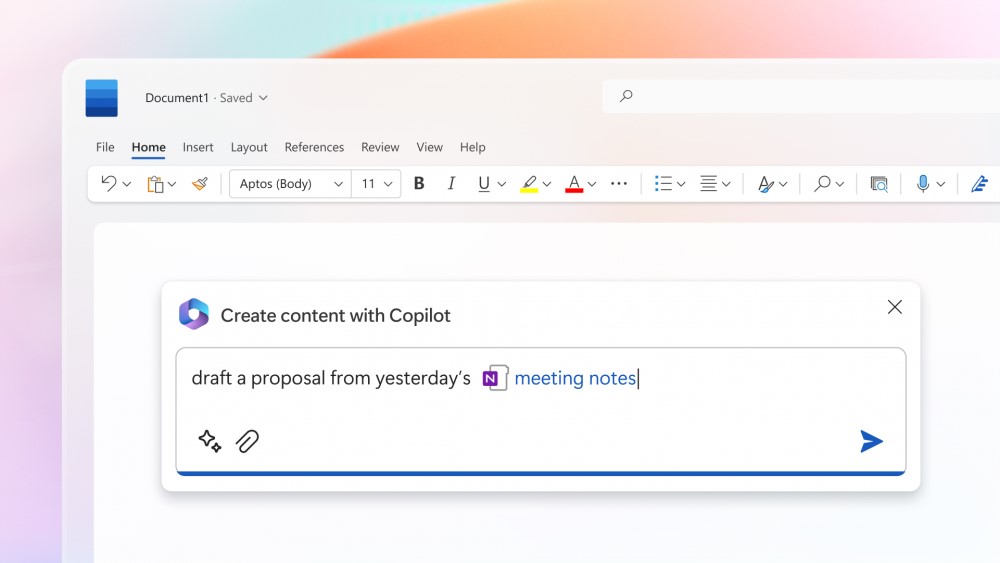
Microsoft 365 Copilot in Microsoft Word (archive). Image: Microsoft. Used with permission from Microsoft.
The change merged into BCApps creates per diem lines in each traveler's new expense report. Its inclusion in the repository does not yet establish deployment to customer environments.
GitHub Enterprise Cloud includes Copilot access for eligible enterprises, without an included credit allowance. Availability depends on the purchasing channel, and metered usage is billed from the first use.
The change replaces mark-based deletion and adds tools to inspect and clean up residual records. Integration into the repository does not yet confirm availability in a shipped Business Central update.
Microsoft has announced bundles of Business Central Essentials or Premium with Microsoft 365 Copilot Business from January 1, 2027. Published prices are USD 95 and USD 125 per user per month; accessible experiences will depend on licensed apps and services.
Microsoft brings equipment rental management into Supply Chain Management, connected with Finance. The documentation provides a basis for examining the process; the Copilot Cowork scenario is presented as a demonstration.
Microsoft extends usage limits to additional Copilot Chat features for users without a Microsoft 365 Copilot license in commercial organizations. The notifications call for support preparation and a review of license requests, without turning every limit into a recommendation to buy.
The API supports reading and updating policies across enterprises, organizations, teams, and agent apps. Using it requires identifying who controls each decision and reviewing changes.
The instructions guide compatible coding assistants. Evaluating them requires checking installation scope, project dependencies, and the changes they generate.
Apple opens app action integration through App Intents. For developers in Spain, Siri AI availability on Mac and Vision Pro sits alongside its absence on iPhone, iPad, and Apple Watch.
Checked on November 7, 2026 against Apple's announcement and public support pages. Coverage distinguishes the integration preview from general Siri AI availability. Implementation details of the new APIs remain unverified. Nexo has not tested the integration; the example is hypothetical.
On November 3, Apple announced a Developer Preview for integrating apps with Siri AI through App Intents in the 27.3 betas of iOS, iPadOS, macOS, and visionOS. This access lets developers prepare app content and actions for the assistant to use. Apple's announcement.
The company also introduces skills to guide the combination of several actions and extends access to entities in Spotlight's semantic index beyond existing schemas. These are capabilities described by Apple; this article provides no independent evaluation of their performance.
Availability in Spain depends on the platform
The Siri AI guide, updated on November 5, confirms this distinction within the European Union. Spanish is supported; on available platforms, the device and Siri languages must match. Siri AI requirements and availability.
Platform
Siri AI status in the EU
iOS, iPadOS, and watchOS
Currently unavailable.
macOS 27 and visionOS 27
Available on compatible devices with an EU Apple Account and a supported language.
Compatible hardware and early access
Hardware compatibility is another requirement. Apple's Intelligence compatibility list includes, among others, Macs with M1 or later, iPhone 15 Pro and Pro Max, iPhone 16 models or later, and iPads with M1 or later. Owning one of these devices does not remove Siri AI's regional restrictions. Compatible devices.
The two platform lists should be distinguished: watchOS appears in the general Siri AI beta, but not among the systems announced for this integration preview. Siri AI is also unavailable to users under 13. Siri AI guide.
Apple expects the new integrations to reach customers in the coming months and App Store submissions to open in spring, without specifying a day. It also promises further details about terms and usage policies. This indicative timetable does not establish a confirmed date for a business deployment. Announced timetable.
Limits that affect a future evaluation
Support documentation updated in November warns of variable daily limits for features using server-side models, including Siri AI. It specifies no universal allowance and announces expanded paid access for the future. Limits described by Apple.
The terms allow limits to change and a feature to be temporarily restricted when a limit is reached. An evaluation should therefore record requests that are limited or incomplete alongside successful responses. This last point is Nexo's methodological recommendation. Usage terms.
Nexo's interpretation: define actions before measuring them
For a workplace application, our interpretation is that the first step is to define what each action can read or change. Finding a record, preparing a draft, and submitting a request have different consequences. A future integration should be evaluated against explicit criteria for permissions, ambiguity, and confirmations.
A convincing conversation would not, by itself, provide sufficient evidence to accept an operation. The proposed evaluation would need to check which record was selected, what changed, and whether the change matched the user's intention and permissions.
Hypothetical example: an internal request app
A fictional application makes those criteria concrete. The responses in this table are requirements proposed by Nexo for a future evaluation; they do not describe demonstrated capabilities of Siri AI or an existing business product.
Test request
Behavior to verify
Find my open requests.
Show only records the user has permission to view.
Prepare a laptop request.
Create a draft and ask for missing information before submitting it.
Cancel yesterday's one.
Ask for clarification if several requests could match.
Submit the request.
Show the summary, obtain the required confirmation, and check that the submission is recorded only once.
Created with AI assistance and reviewed by Nexo Community. Practical proposals and editorial interpretation are distinguished from documented facts.