Microsoft postpones the change for new CSP purchases to January–March 2027. Certain eligible experiences may incur charges beyond license fees, subject to an adjustable monthly limit.
Microsoft · Announcement: · Editorial review
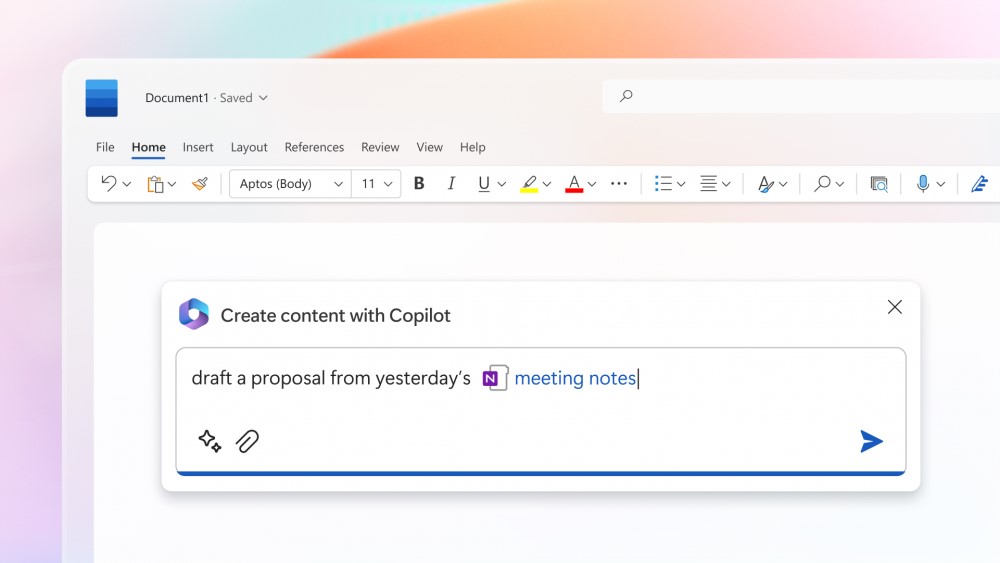
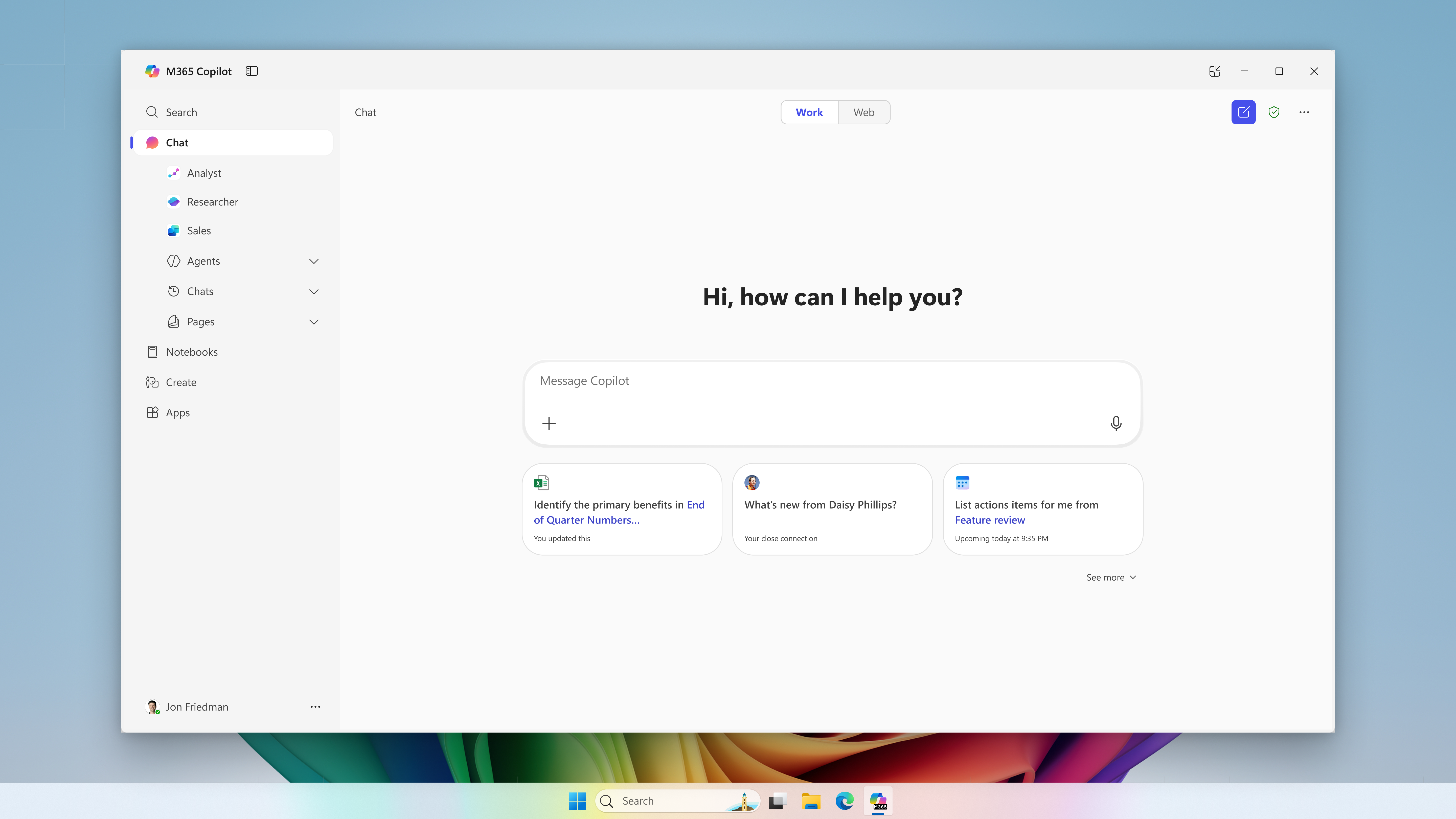
Microsoft 365 Copilot in Microsoft Word (archive). Image: Microsoft. Used with permission from Microsoft.
The change merged into BCApps creates per diem lines in each traveler's new expense report. Its inclusion in the repository does not yet establish deployment to customer environments.
GitHub Enterprise Cloud includes Copilot access for eligible enterprises, without an included credit allowance. Availability depends on the purchasing channel, and metered usage is billed from the first use.
The change replaces mark-based deletion and adds tools to inspect and clean up residual records. Integration into the repository does not yet confirm availability in a shipped Business Central update.
Microsoft has announced bundles of Business Central Essentials or Premium with Microsoft 365 Copilot Business from January 1, 2027. Published prices are USD 95 and USD 125 per user per month; accessible experiences will depend on licensed apps and services.
Microsoft brings equipment rental management into Supply Chain Management, connected with Finance. The documentation provides a basis for examining the process; the Copilot Cowork scenario is presented as a demonstration.
Microsoft extends usage limits to additional Copilot Chat features for users without a Microsoft 365 Copilot license in commercial organizations. The notifications call for support preparation and a review of license requests, without turning every limit into a recommendation to buy.
The API supports reading and updating policies across enterprises, organizations, teams, and agent apps. Using it requires identifying who controls each decision and reviewing changes.
The instructions guide compatible coding assistants. Evaluating them requires checking installation scope, project dependencies, and the changes they generate.
Documentary review: November 7, 2026. The announcement, both skills, and installation manuals were checked. The tools have not been installed or run, and their results have not been measured.
On November 4, Microsoft announced two skills to help developers build Agent Framework applications in .NET and Python. They provide Microsoft-maintained instructions that the coding assistant uses during development.
According to Microsoft's announcement, they require an assistant compatible with Agent Skills. The application still needs its packages and credentials; these instructions are not loaded as runtime skills.
What each skill guides
The entry files for .NET and Python direct the assistant to inspect the project, select an appropriate pattern, consult relevant references, and validate the change. They cover individual agents, operating loops, and workflows with explicit stages.
Language
Guidance
Documented limitation
.NET
Review the SDK, installed packages, and agent abstractions, alongside integration and hosting requirements.
Maturity varies by package: released, preview, and alpha versions may coexist, alongside experimental APIs.
Python
Review the language version, dependency manager, and packages before choosing an implementation.
The guidance requires Python 3.11 or later; a dependency may impose a narrower compatibility range.
Availability and installation scope
The instructions are available in Microsoft's public repository under these identifiers:
.NET: agent-framework-builder-dotnet.
Python: agent-framework-builder-python.
Choosing an installer and pinning a revision
The GitHub CLI manual documents `gh skill install`, with client selection through `--agent` and scope selection through `--scope`. The default scope is the project; in non-interactive mode, the default client is GitHub Copilot. A tag or commit can be pinned through `--pin` or `@VERSION`.
The alternative skills CLI documents `npx skills add`, requires Node.js 22.20 or later, and installs into the project by default; `-g` makes the installation available across projects. Its documentation supports choosing the skills and target assistants.
Nexo's interpretation: teams should record the instructions' revision, installer version, and application dependencies separately. Pinning a skill identifies which guidance was used, but does not freeze the rest of the environment.
How to assess a specific change
Nexo's editorial recommendation is to start with a bounded, observable modification. The existence of vendor-maintained instructions does not, by itself, establish an improvement in quality or productivity.
Record the initial behavior and the criteria the change must meet.
Review proposed modifications to code, packages, and configuration.
Test the requested behavior and relevant failure cases before integrating the change.
Synthetic example: preparing orders without sending them
One possible trial would add an agent that prepares draft purchase orders to an existing application. This example is a Nexo proposal, not an executed demonstration or a result attributed to Microsoft.
SAMPLE PROMPT
Add an agent to our application that prepares draft purchase orders. Preserve the current model provider and versions. Require human approval before submission. Include tests for rejection, approval, and retries, and explain any necessary dependency changes.
Created with AI assistance and reviewed by Nexo Community. Practical proposals and editorial interpretation are distinguished from documented facts.