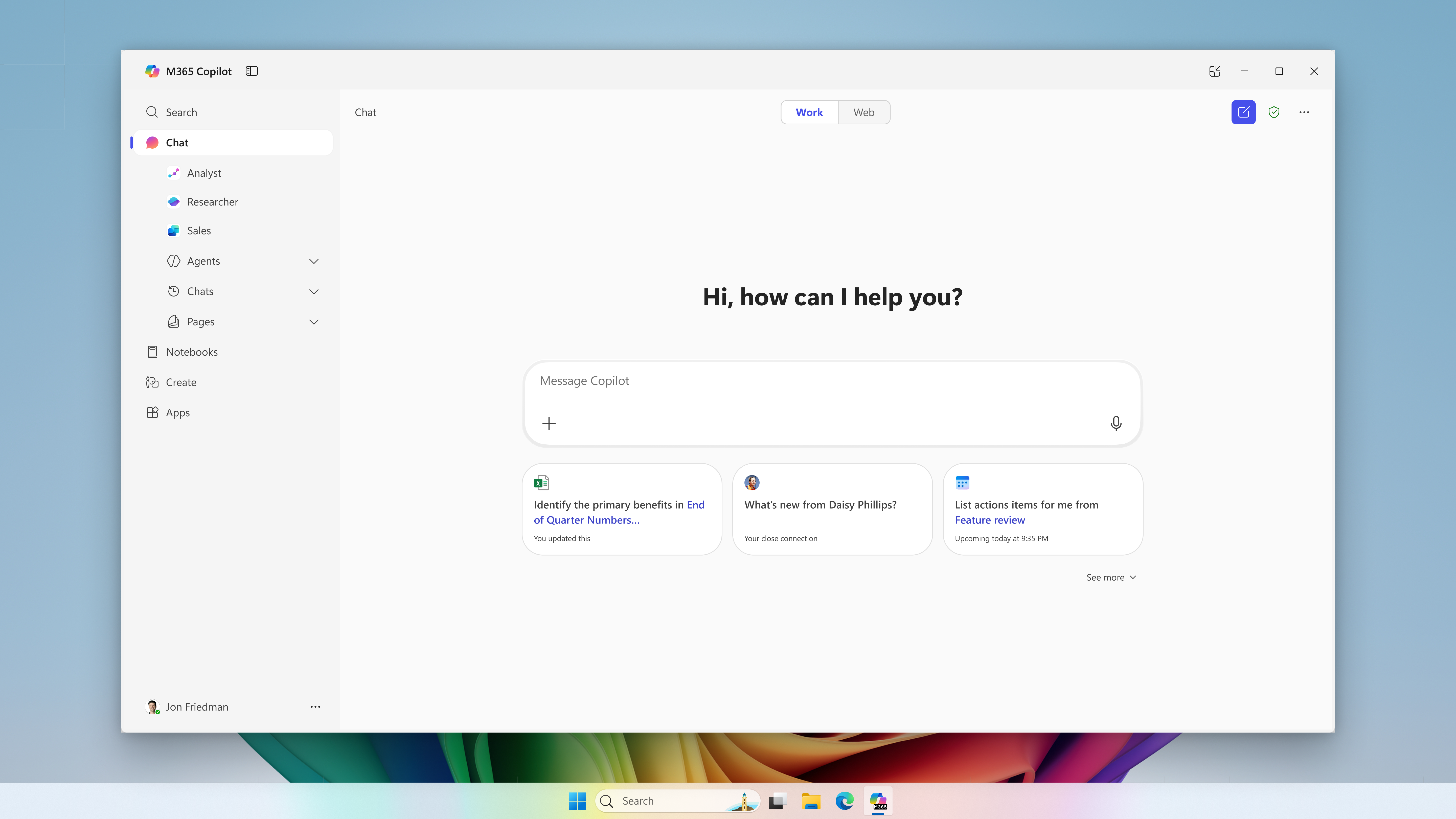
Microsoft extends usage limits to additional Copilot Chat features for users without a Microsoft 365 Copilot license in commercial organizations. The notifications call for support preparation and a review of license requests, without turning every limit into a recommendation to buy.
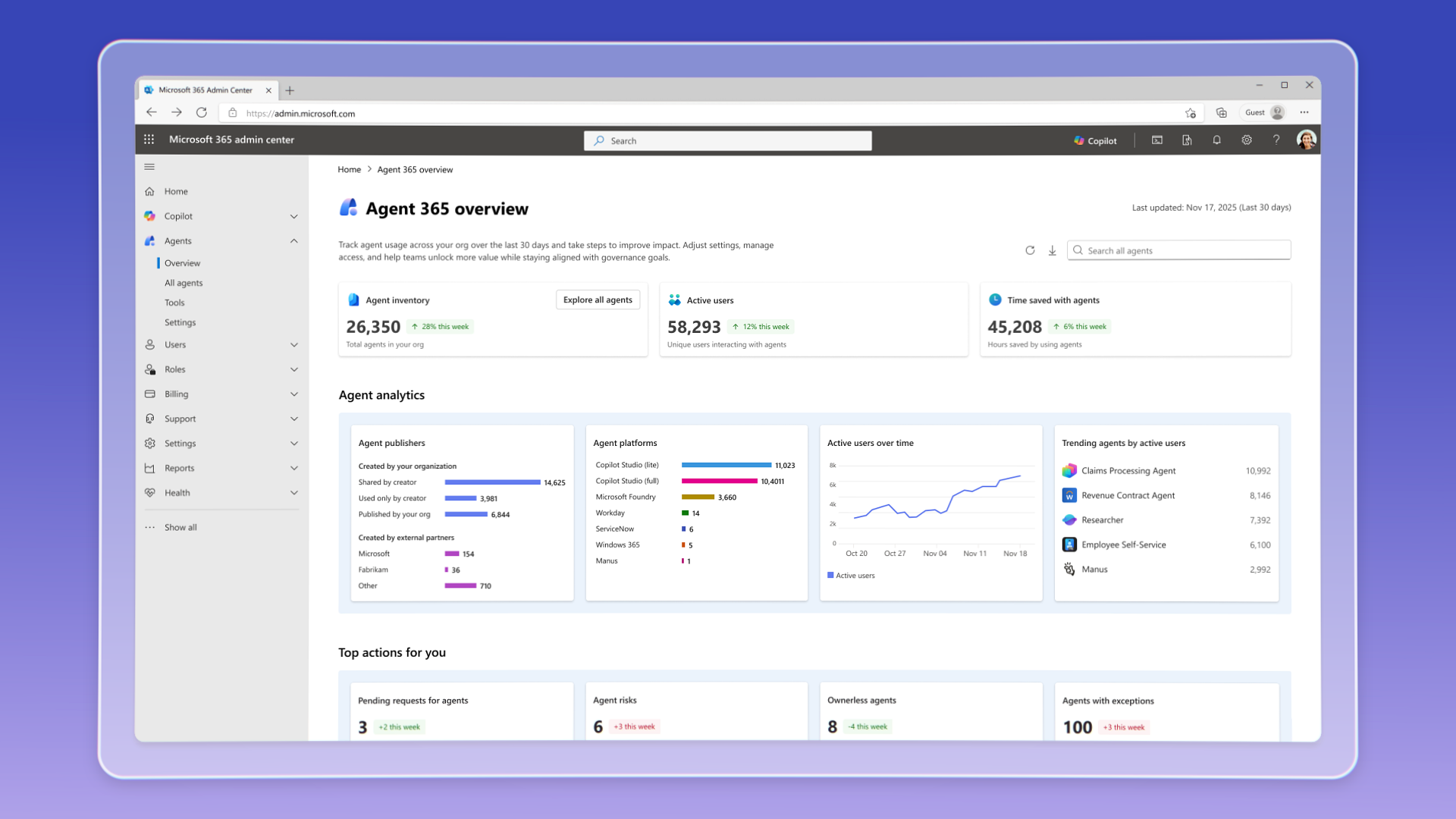
Agent 365 has been generally available commercially since May 1, 2026, with per-user licensing; the sources consulted do not specify Action Center’s rollout status.
Two settings merged into the Business Central code control quantity restoration on sales and purchase orders. Both remain enabled by default; the 30.0 milestone does not establish availability in a tenant.
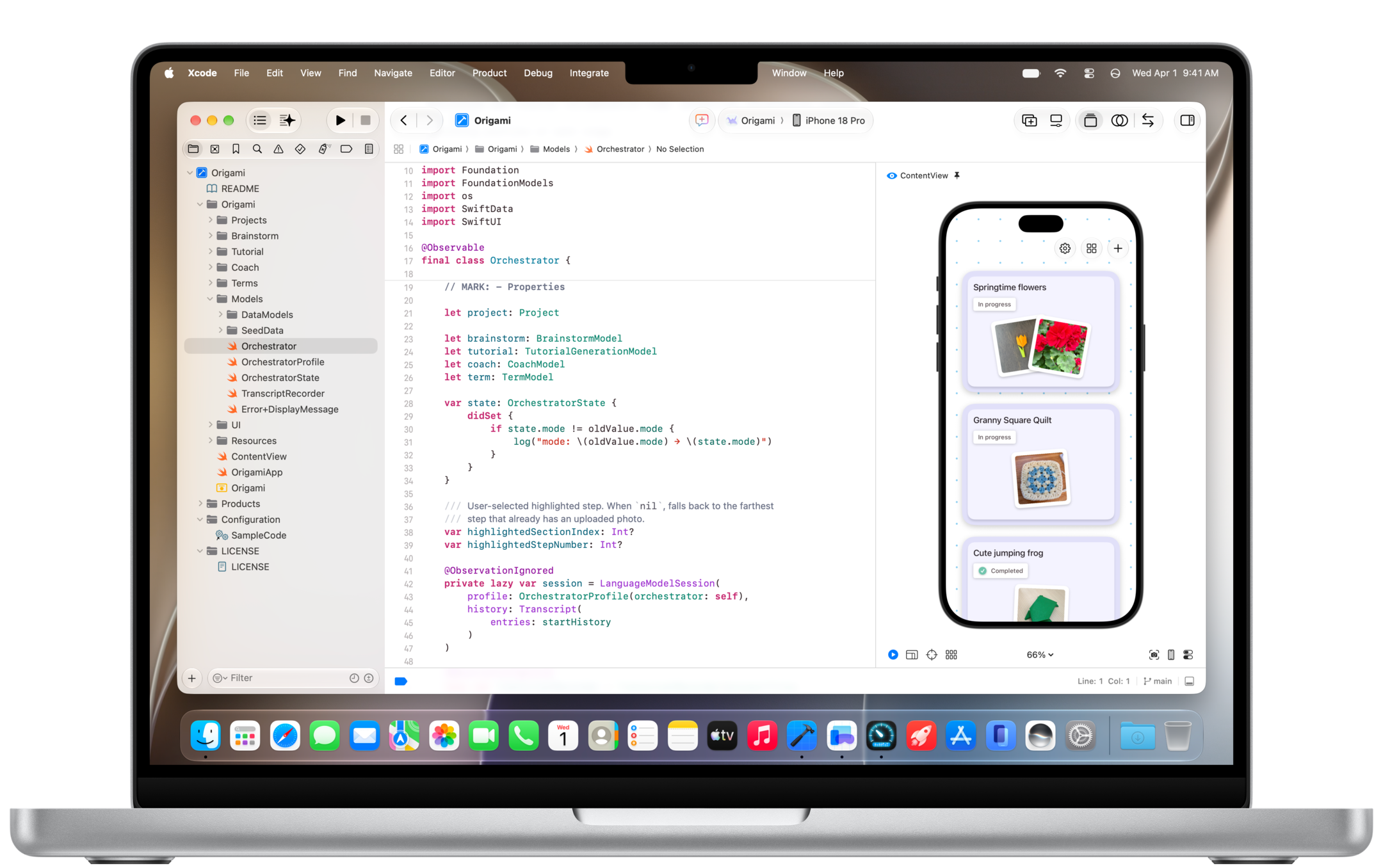
Copilot comes to Xcode's built-in coding assistant in public preview and to JetBrains Air. Agent Merge also improves pull request tracking, with different conditions depending on the environment.
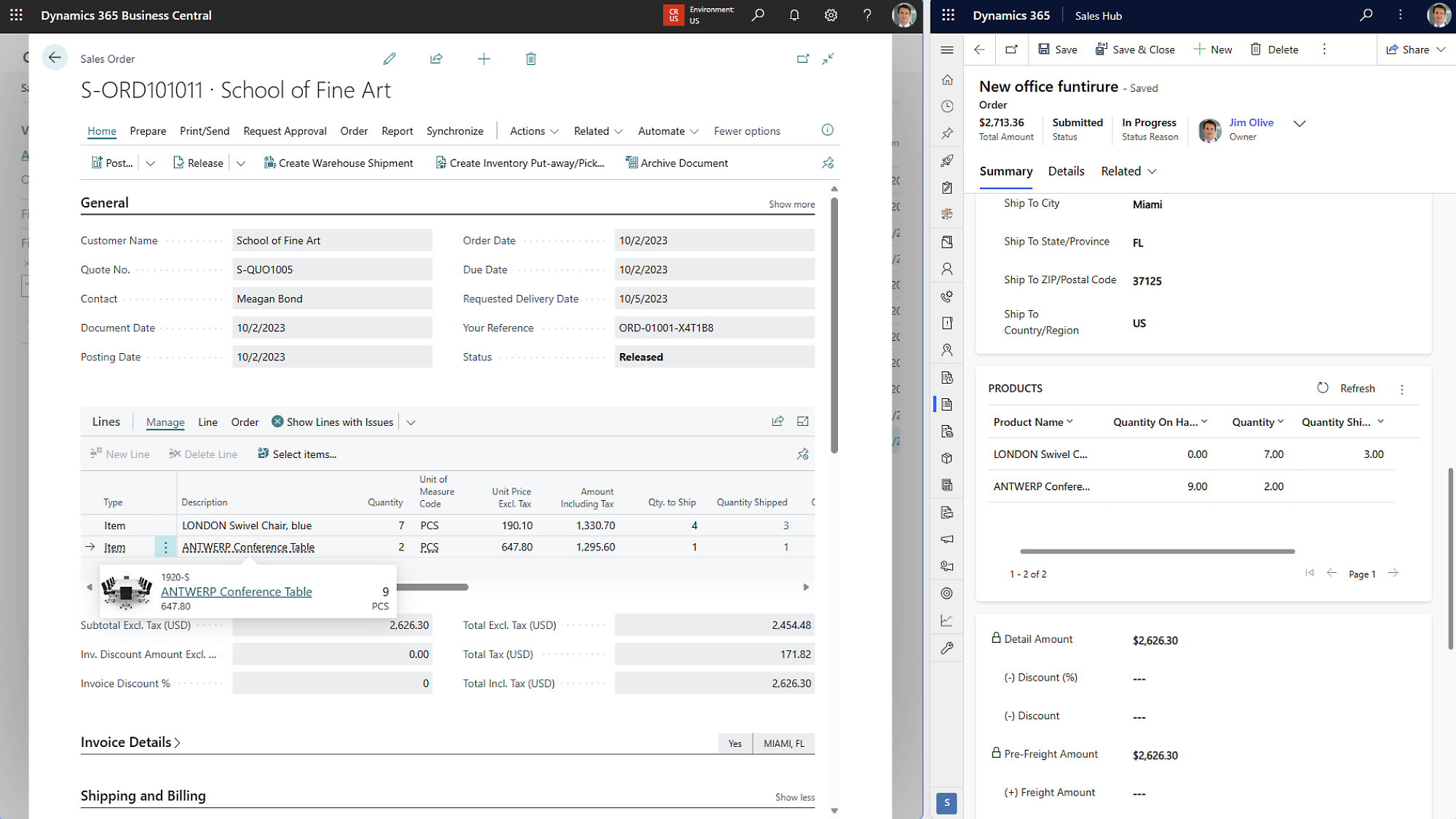
A BCApps commit describes a numbering conflict when importing Dynamics 365 Sales orders into Business Central with automatic recurring lines, relevant to acceptance testing for the sales integration.
Restrictions involving macOS 27 and Xcode 27 require a review of code extraction. Analysis without a build offers alternatives with limits that depend on the language.
The impact dashboard adds Copilot Chat and the VS Code Agents window. The broader coverage reveals more usage patterns, but requires distinguishing feature engagement, adoption phases, and comparable reporting periods.
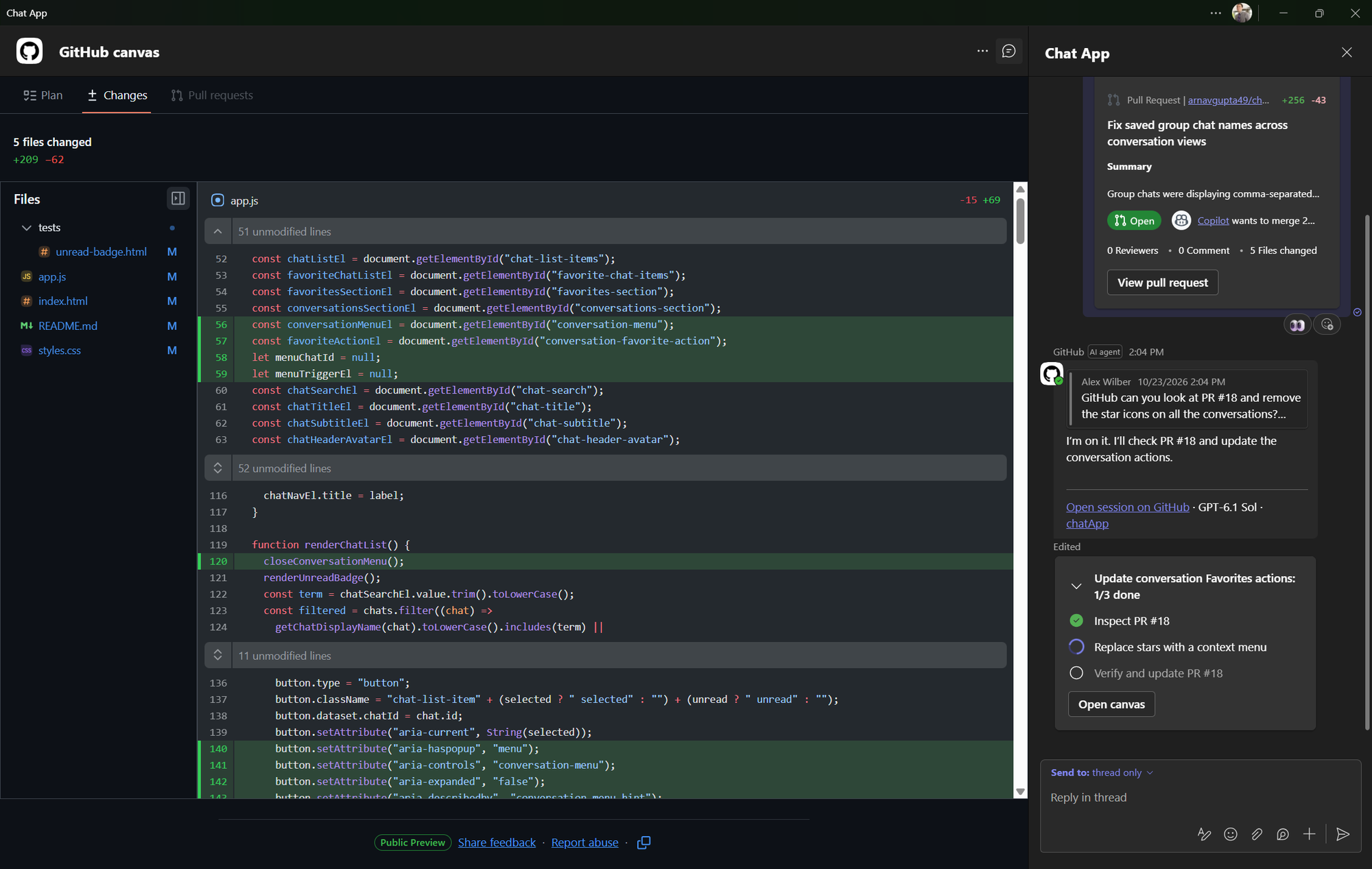
Canvas lets teams follow the plan and review changes alongside their Teams conversation. Access requires a paid Copilot plan and remains subject to permissions, policies and usage.
GitHub · Announcement: · Editorial review
Canvas alongside the Teams conversation. Screenshot: GitHub.
BCApps incorporates a selector change to GPT-5.6 Ceres for Shopify tax matching. Retaining controls does not establish equivalent suggestions or confirm deployment.
Microsoft · Announcement: · Editorial review
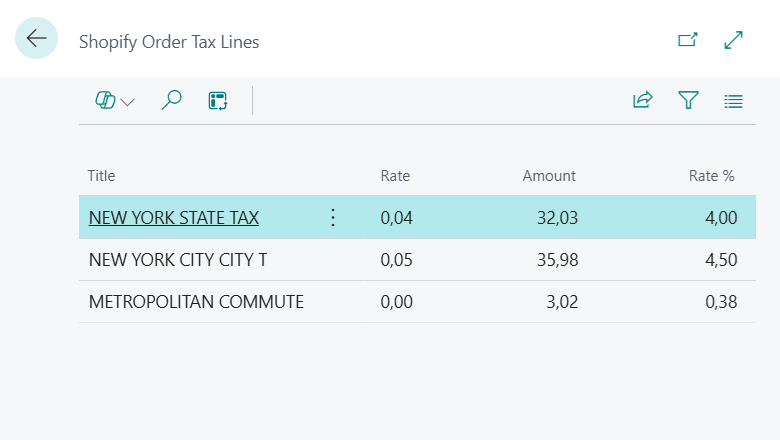
Shopify tax lines in Dynamics 365 Business Central. Archive screenshot, 2025: Microsoft.
nNexo CommunityEditorial review · 2026-11-08
ANNOUNCEMENT & AVAILABILITY
Primary sources checked on November 8, 2026. The change is merged into BCApps. Microsoft documents the feature in preview for the US version of Business Central online. The sources checked do not establish which model is active in each customer environment. Nexo has not run tests.
On October 27, 2026, Microsoft merged BCApps PR #13052, covering Shopify tax matching. The published diff replaces `GetGPT41Latest()` with `GetGPT56CeresLatest()`, changing the managed deployment selector.
According to the description, Chat Completions, forced function calling, and existing validation and review mechanisms remain unchanged. The change introduces no schema modifications, permission changes, or data migrations.
Scope and availability
Microsoft’s application card places Shopify Tax Matching in the US version of Business Central online, as a production-ready preview subject to additional terms. It matches tax descriptions from imported orders to configured jurisdictions; it does not determine tax liability or file returns.
The PR belongs to the Version 30.0 milestone. That planning information and the repository merge do not establish a shipped version or an actual Ceres deployment in a particular environment. The feature documentation does not identify a specific foundation model either.
What retaining review means
The setup guide requires Shopify Connector NA, activation of the capability, and enablement for each shop. The default review mode is Always; Low Confidence Only and Never are also available.
Retaining human review therefore does not mean every suggestion always reaches a person. An unidentified jurisdiction or a difference between the Shopify rate and the configured rate holds the order for review regardless of the mode. The Use Shopify Rate action changes shared tax data and can affect other documents.
Nexo’s interpretation: validate the process and the suggestion
Our editorial interpretation is that retaining controls preserves part of the process, but does not establish stable matching results. An existing code can be a formally valid response while still referring to the wrong jurisdiction.
The author reports successful internal evaluations, although the detailed evidence is not public. That report does not establish a general accuracy rate, savings, or improvement attributable to the change. A comparison would require cases, criteria, and results that can be examined.
Synthetic examples for an evaluation
The following table proposes invented cases for designing a comparison. It does not describe real orders, observed results, or tests performed by Nexo.
Invented case
What to compare
What to record
Two jurisdictions have similar descriptions but belong to different cities.
The suggested code and explanation from each model.
Whether the reviewer confirms or corrects the match, and why.
No suitable jurisdiction exists and automatic creation is disabled.
How the absence of a match is handled.
The suggestion received, validation response, and manual resolution.
An order line specifies 4%, while the test configuration contains 5%.
Detection of the difference and the review workflow.
Order status, reviewer decision, and any changes to shared data.
How to read a future comparison
Nexo proposes keeping the same sample and configuration, identifying the model actually used, and separating three records: the model output, the application’s decision, and the reviewer’s decision. The example percentages are arbitrary and do not represent applicable tax rates.
A difference between suggestions is not automatically an error. The comparison needs a justified reference match and a predefined way to resolve disagreements. Any claim about time saved or quality would require additional measurements.
Created with AI assistance and reviewed by Nexo Community. Practical proposals and editorial interpretation are distinguished from documented facts.