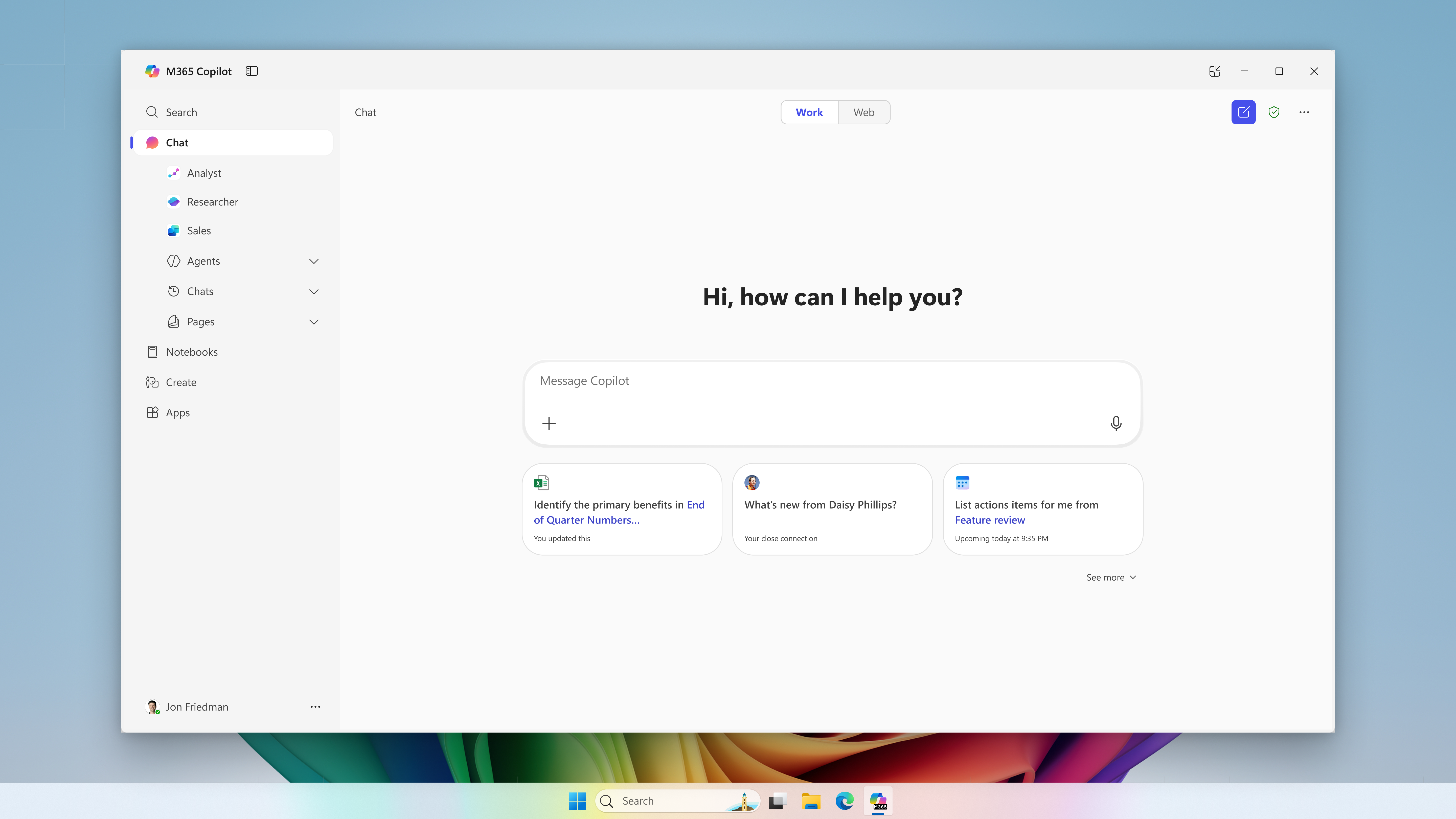
Microsoft extends usage limits to additional Copilot Chat features for users without a Microsoft 365 Copilot license in commercial organizations. The notifications call for support preparation and a review of license requests, without turning every limit into a recommendation to buy.
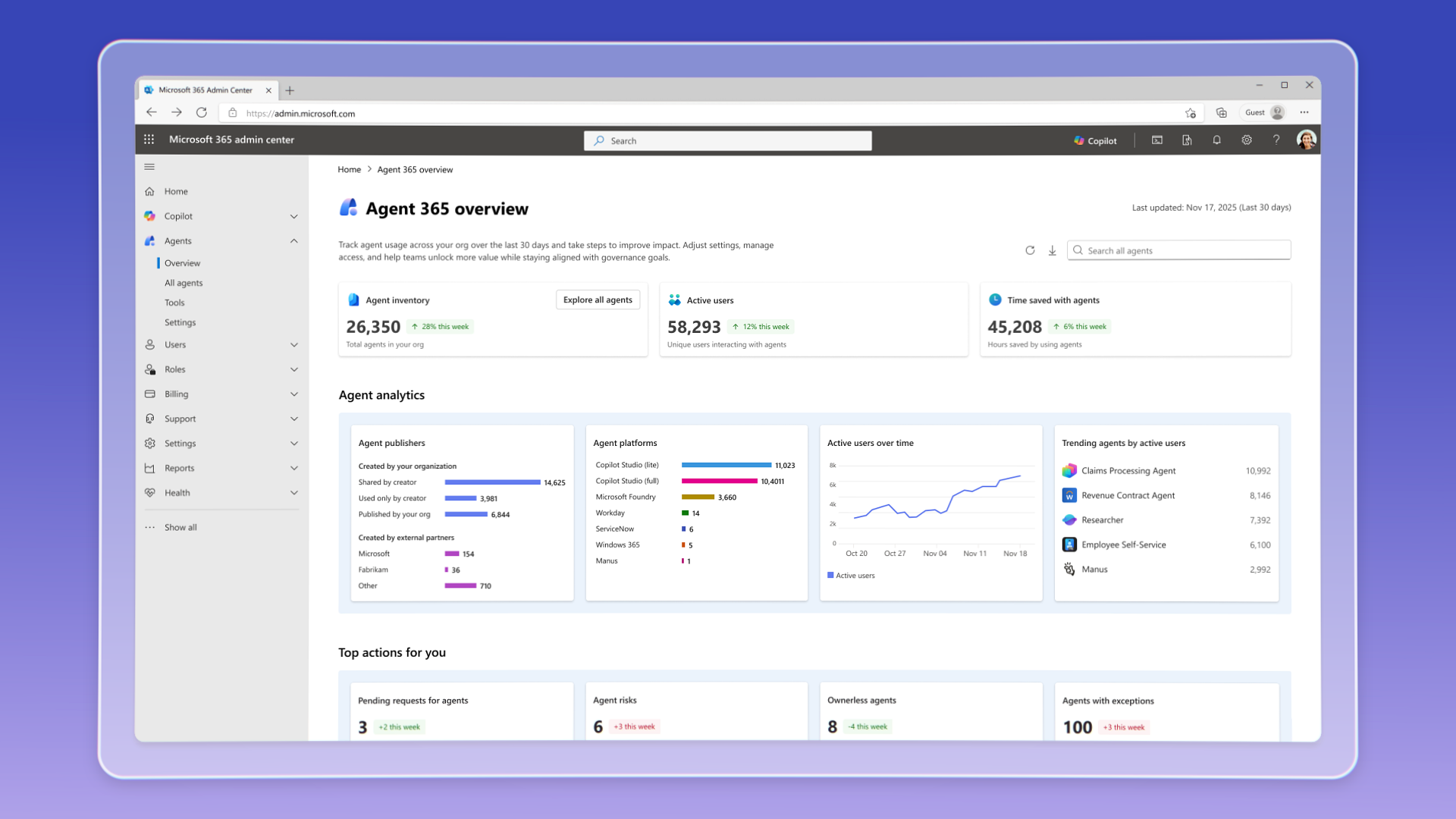
Agent 365 has been generally available commercially since May 1, 2026, with per-user licensing; the sources consulted do not specify Action Center’s rollout status.
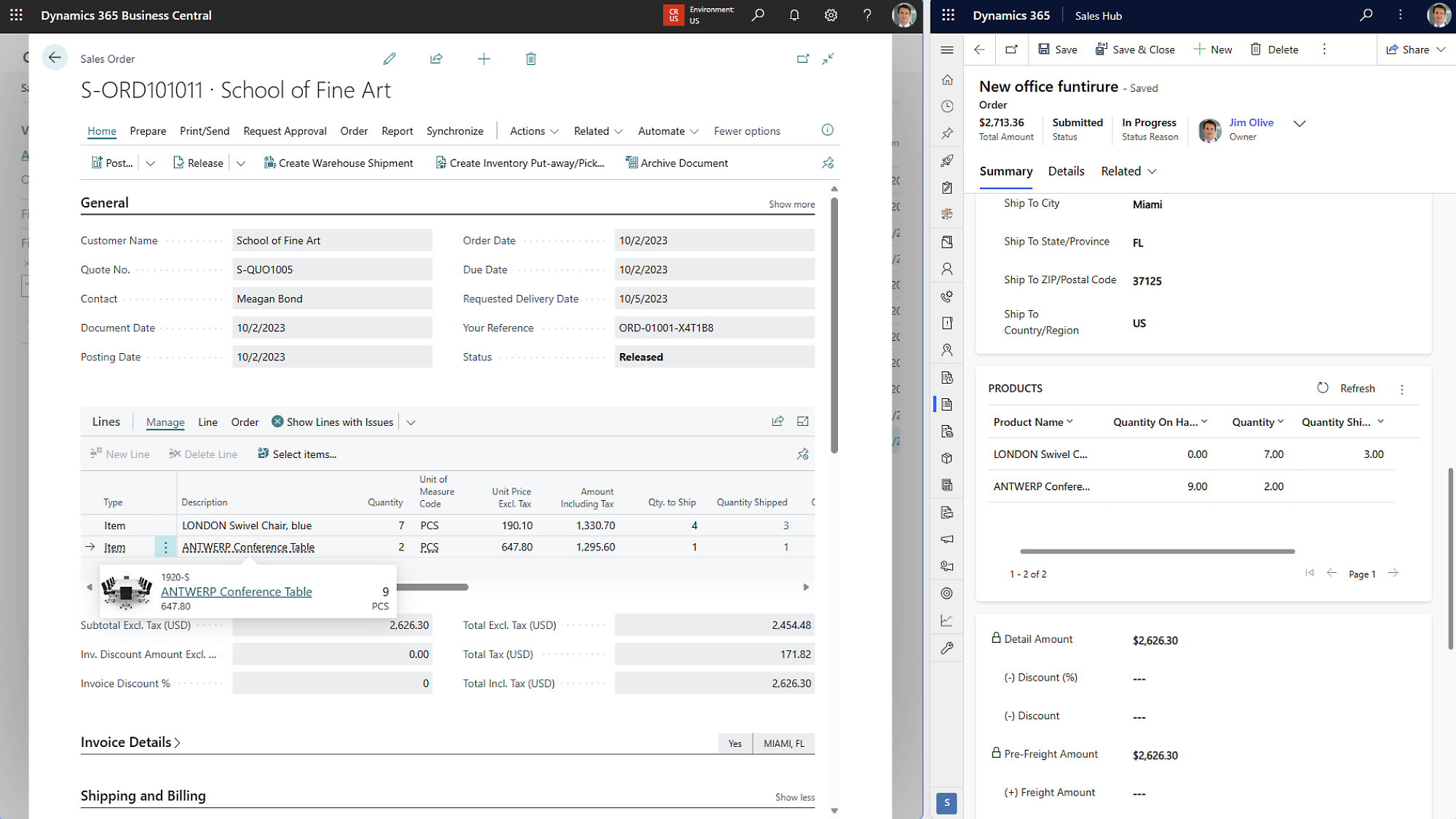
Two settings merged into the Business Central code control quantity restoration on sales and purchase orders. Both remain enabled by default; the 30.0 milestone does not establish availability in a tenant.
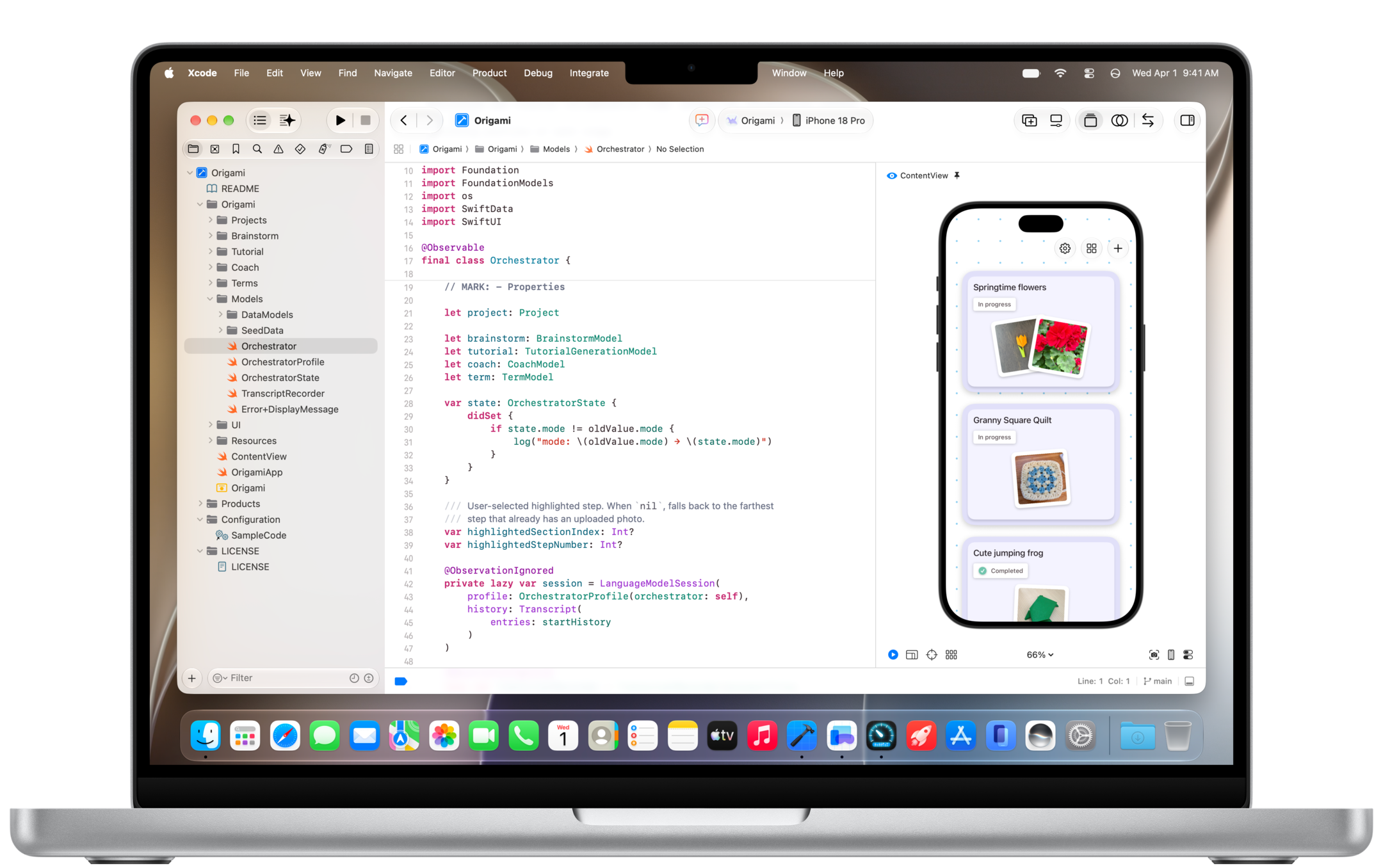
Copilot comes to Xcode's built-in coding assistant in public preview and to JetBrains Air. Agent Merge also improves pull request tracking, with different conditions depending on the environment.
A BCApps commit describes a numbering conflict when importing Dynamics 365 Sales orders into Business Central with automatic recurring lines, relevant to acceptance testing for the sales integration.
Restrictions involving macOS 27 and Xcode 27 require a review of code extraction. Analysis without a build offers alternatives with limits that depend on the language.
The impact dashboard adds Copilot Chat and the VS Code Agents window. The broader coverage reveals more usage patterns, but requires distinguishing feature engagement, adoption phases, and comparable reporting periods.
Canvas lets teams follow the plan and review changes alongside their Teams conversation. Access requires a paid Copilot plan and remains subject to permissions, policies and usage.
GitHub · Announcement: · Editorial review
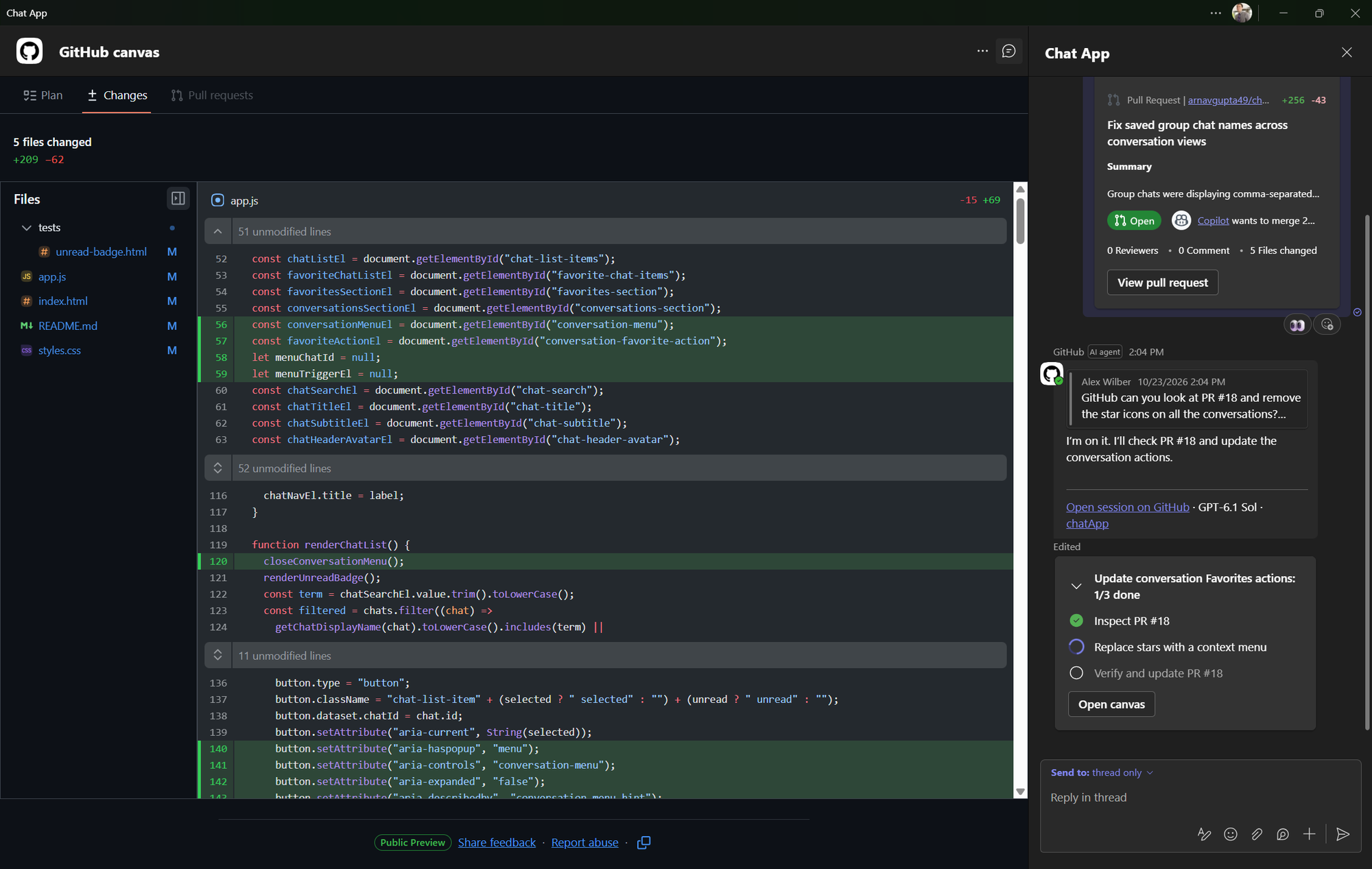
Canvas alongside the Teams conversation. Screenshot: GitHub.
nNexo CommunityEditorial review · 2026-11-08
ANNOUNCEMENT & AVAILABILITY
Documentary verification completed on November 8, 2026, using GitHub's announcement and public guides. The features described depend on the applicable plan, permissions and policies. Nexo has not tested the integration; the example is synthetic.
GitHub announced general availability of @GitHub in Slack and Microsoft Teams on November 6, 2026. The official changelog also describes improvements to recognising the repository specified when starting a session.
The integration lets users request investigations, create issues and prepare changes from a conversation. In Teams, the official Canvas overview places the plan, code changes and pull requests alongside the thread: a shared reference point for following the work before deciding whether to merge it.
Canvas in Teams and work channels in Slack
The Teams guide specifies that Canvas displays the plan, file changes and a pull request overview. It is read-only and displays only content the linked GitHub account is authorised to view.
In Slack, GitHub organises work in a dedicated channel called Slack Code, keeping the session, plan, branch and pull request together. Its product page describes this experience separately; the Canvas announcement concerns Teams.
Nexo's interpretation: the organisational benefit is a common place for the team to examine progress and discuss it. Its usefulness will depend on someone reviewing the scope, checking the changes and verifying the result.
Access, policies and permissions
The Teams and Slack guides state availability for all paid Copilot plans. Users need to install the relevant app and link their GitHub account.
Installation may depend on Slack workspace administrators. For Teams, GitHub says Microsoft 365 administrators must allow the app and enable resource-specific consent, RSC, to use conversation context. These requirements appear on the official Slack and Teams pages.
Organisations and enterprises can disable Copilot in the cloud through policies. The current guides say these sessions use a cloud sandbox without requiring a separate sandbox setting.
Starting changes or steering a session requires write access to every selected repository. Any conversation participant can contribute context.
Workspace guests and outside repository collaborators cannot start or steer these sessions.
Usage to account for
GitHub measures Copilot usage through licences and AI credits. Allowances and conditions depend on the plan and account, as explained in its licensing documentation.
Cloud sandbox execution also meters compute, memory and snapshot storage. Compute and memory can draw from the account's included monthly allowance; additional usage is billed under the applicable terms. Sandbox budgets are configured by product or billing SKU and are separate from AI credit budgets. The billing guide also explains when usage may be blocked after exhausting an allowance or reaching a budget with usage stopping enabled.
Attribution provides a clue to the origin
The announcement says issues and pull requests created by @GitHub identify the originating conversation platform and user in their descriptions. In Nexo's view, this helps reconstruct the starting point, although that attribution alone does not demonstrate that the change has been reviewed.
GitHub explains on its Teams page that Copilot uses the entire thread as context and can incorporate that context into generated artifacts. Teams should therefore agree on what information belongs in the conversation from which work is delegated.
Synthetic example: reviewing a pagination bug
Suppose a list becomes empty after its status filter changes because it retains a page that no longer exists. This example was devised by Nexo and has not been run. A demonstration request could be:
SAMPLE PROMPT
@GitHub In the demonstration repository, investigate why changing the status filter leaves an empty page. Propose a plan and prepare a pull request with pagination tests.
Proposed responsibility
What to review
Functional owner
Define which page should appear after the filter changes and specify acceptance cases.
Development owner
Check the repository, branch and scope of the plan before steering implementation.
Change reviewer
Examine the diff, run the relevant tests and record the checks in the pull request.
Created with AI assistance and reviewed by Nexo Community. Practical proposals and editorial interpretation are distinguished from documented facts.