


ANNOUNCEMENT & AVAILABILITY
Scope and requirements checked on October 24, 2026 against GitHub's announcement and official documentation. Access depends on the metrics policy and role; coverage depends on the client and its version.
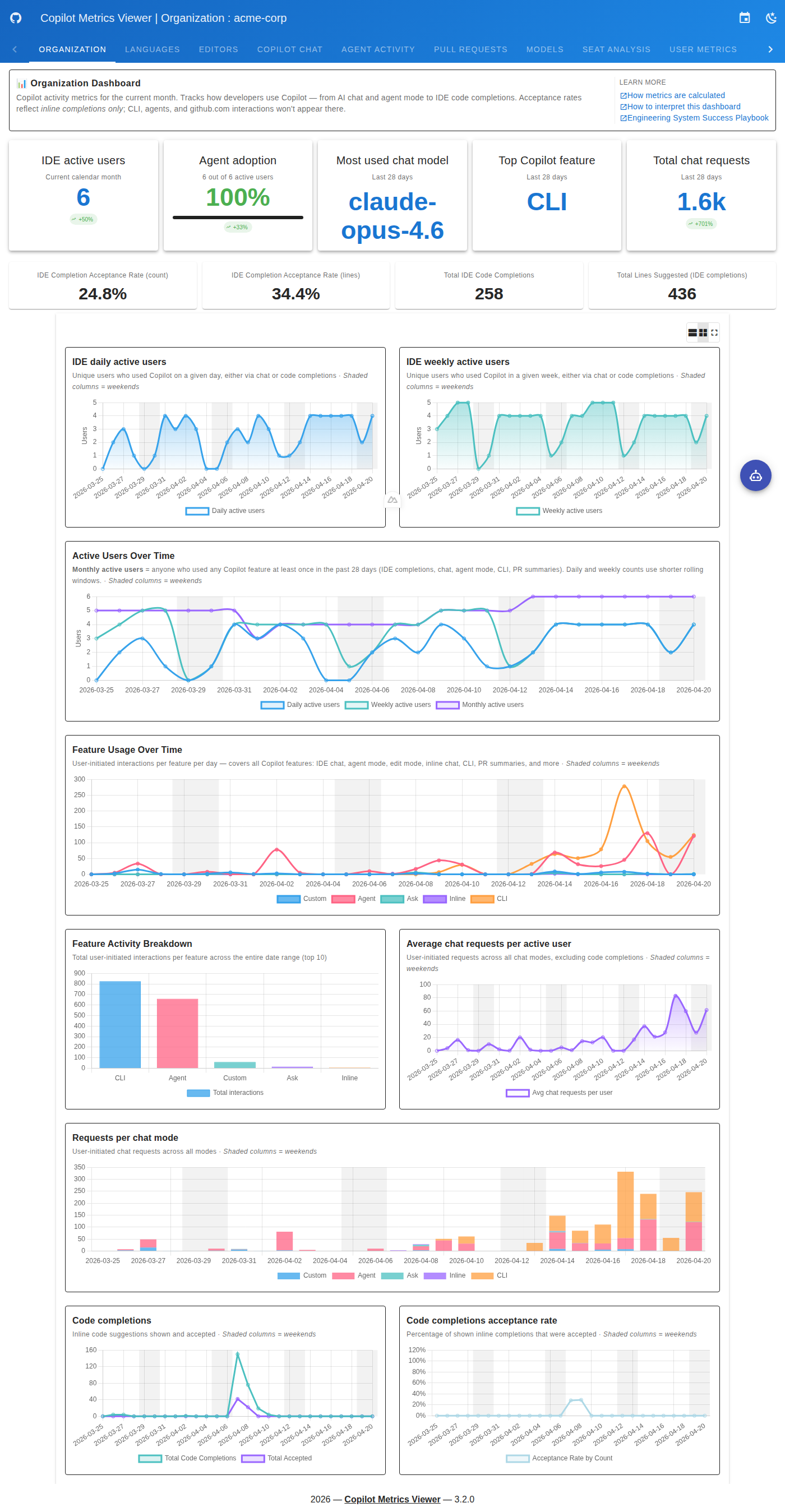
Custom skills, agents, and MCP servers in usage metrics APIGitHub announced on October 22 that Copilot metrics identify custom skills, agents, Model Context Protocol (MCP) servers, commands and plugins by name. Lists expand from five to twenty-five entries, with remaining activity grouped under `other`, according to the official announcement.
Which clients report names
The customization fields documentation distinguishes the following coverage:
| Client or experience | Coverage and requirement |
|---|---|
| Copilot CLI | Interactive sessions and prompt mode; prompt mode requires CLI 1.0.97 or later. |
| GitHub Copilot app | Requires CLI 1.0.97 or later. |
| Agent Client Protocol (ACP) integrations, such as JetBrains | Require CLI 1.0.97 or later. |
| Copilot SDK | Requires SDK 1.0.21 or later. Applications overriding the bundled CLI need CLI 1.0.97 or later. |
| IDE agent experiences | The announcement covers experiences running on SDK 1.0.21 or later. Built-in IDE chat telemetry does not report these names. |
Where to find the data and who can access it
The fields appear in enterprise and organization reports: per-user one-day and twenty-eight-day reports, daily aggregates and `day_totals` records in twenty-eight-day aggregates. The metrics foundation released in September explains these report types; the API reference documents how to retrieve them.
The “Copilot usage metrics” policy must be enabled. Access is available to enterprise owners, enterprise billing managers, organization owners and custom roles with the relevant permission to view Copilot metrics. The access guide identifies the organization and enterprise permissions.
Using the detail to guide adoption
Nexo's editorial interpretation is that identifying an internal tool enables more useful questions: whether recorded activity appears after its introduction, whether that activity continues and where additional help might be useful. Before comparing periods, we recommend checking client versions, the enabled policy and telemetry delivery across the team's environments.
For example, after introducing a review skill, an adoption lead could observe its recorded activity and ask users which problems it solves. This is an analytical example, not a result reported by GitHub. An increase would justify investigating its usefulness; a decrease could also reflect changes in coverage.
- Usage: observe activity and continuity to guide support or training.
- Quality: assess outputs and errors against criteria appropriate to the task.
- Value: evaluate benefits, costs and effects on work using additional evidence.
What the counters mean
According to GitHub's explanation of the counters, `interaction_count` records different events by category: invocations, agent starts or MCP connection attempts. MCP counts include successful and failed attempts; subsequent tool calls over an existing connection do not increase that counter.
Plugin interactions are already included in skill interactions and must not be added together. The `distinct_*_use_count` fields count different items, not people. The new breakdown retains these definitions.
A server with many connection attempts therefore does not demonstrate more completed work. Assessing quality or return on investment would require other observations; these counters alone cannot establish either.
Limits when interpreting trends
GitHub warns that outdated clients or blocked telemetry can produce incomplete counts. Earlier report days retain generic groupings, according to the announcement.
Names are trimmed and limited to 128 characters; those resembling file paths remain grouped. Review them before sharing reports externally. An item's absence from a capped list also does not mean zero usage, as the field reference explains.
For adoption leads, the practical benefit is identifying signals and deciding what to investigate. Comparing periods with equivalent coverage and discussing the figures with the team helps prevent telemetry changes from being interpreted as productivity changes.
Created with AI assistance and reviewed by Nexo Community. Practical proposals and editorial interpretation are distinguished from documented facts.
Read the source ↗